In the top right of the top panel press Settings cog icon, and then press Accounts > Signatures
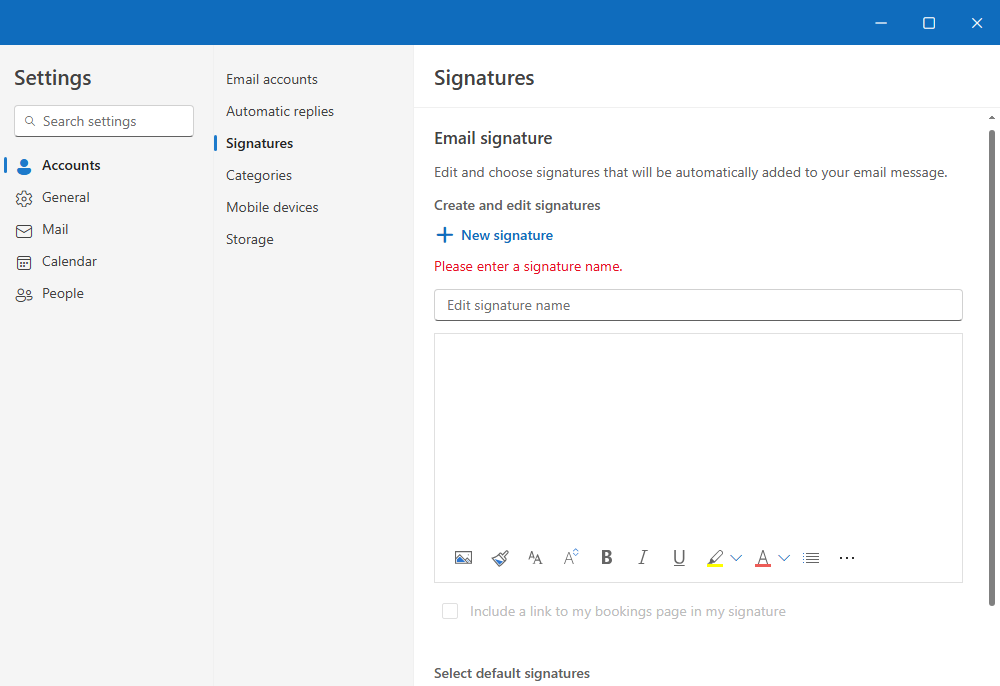
Select “New signature,” then give it a distinct name, “Primary Signature”.
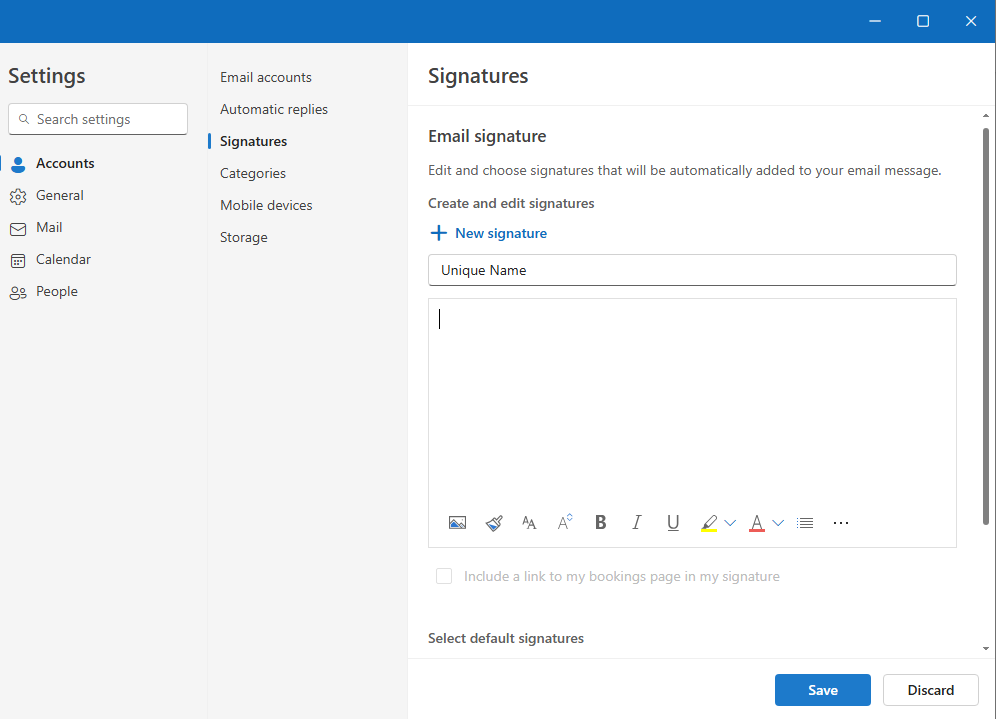
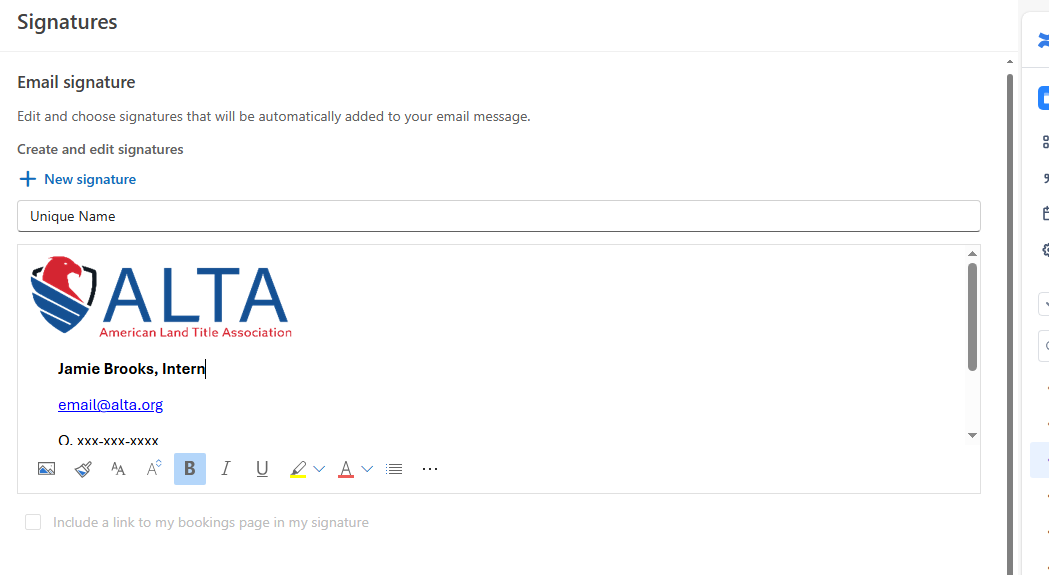
In the editing box below the new name, copy/paste your signature using the templates below. *Please only copy the template starting from Staff name and use this link to download and add the ALTA Logo to your signature block.
**After adding the logo, please click the image to resize the ALTA Logo to the size displayed in the image further down.
Additionally, please do not alter the signature block. You may choose not to use your mobile number if you prefer not to.
Primary Signature Style:

Staff Name, Title
O. xxx-xxx-xxxx
M. xxx-xxx-xxxx
alta.org | Facebook | LinkedIn | YouTube | Instagram
Optional Signature Style for Replies and Forwards:
Staff Name | Title | ALTA | email@alta.org | O. xxx-xxx-xxxx | M. xxx-xxx-xxxx | alta.org
Select Save when you're done.
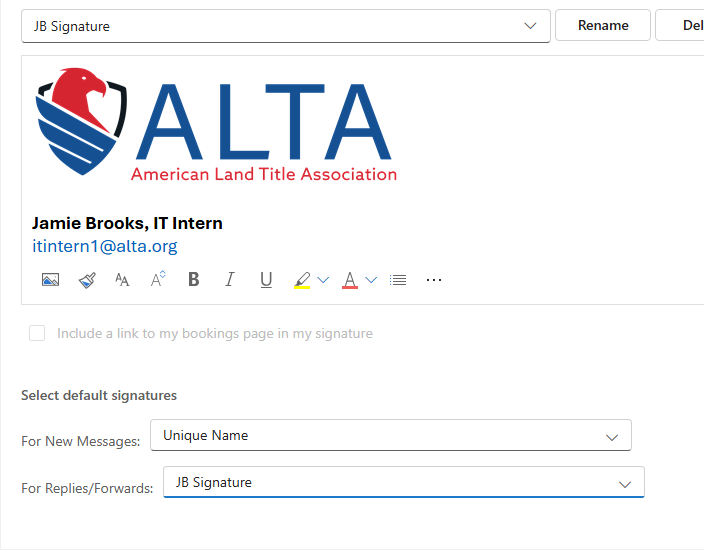
With your new signature selected from the list above the editing box, go to Select default signatures and choose whether to apply the signature to new messages and to replies and forwards.
Select Save again.