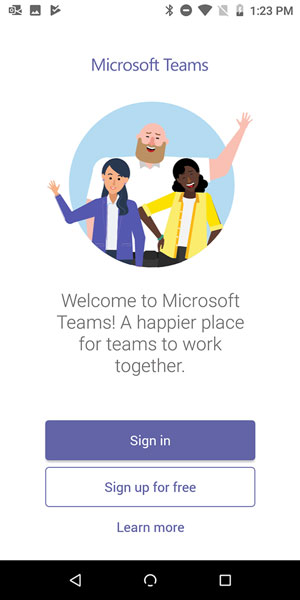
- When you first open the Teams mobile app, you are presented with a sign-in screen where you can choose to sign into Teams, as shown. Tap the Sign In button and then enter your Office 365 credentials that ALTA provided.
This page walks ALTA team members through downloading, installing, and signing into Microsoft Teams on an Android device — essential for staying connected while working on the go.
 Made with DASH A.i.
When you first launch the Microsoft Teams app on your Android device, you'll be greeted with a sign-in screen. From here, tap Sign In and enter the Office 365 credentials provided by ALTA to access your account.
Tip: If you're unsure of your Office 365 credentials, contact your ALTA IT administrator before proceeding. Do not use a personal Microsoft account — always use your ALTA-provided login.
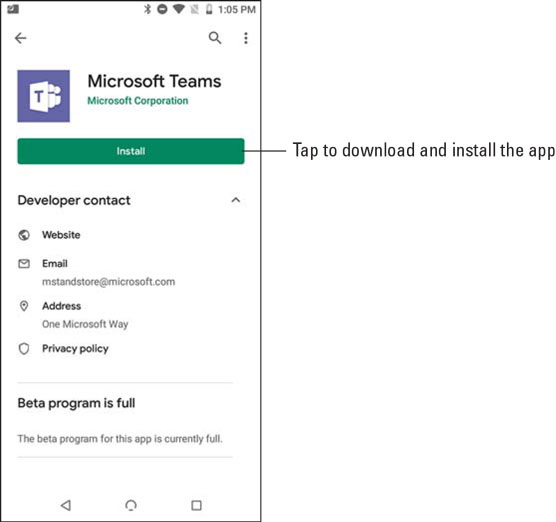
In practice: Make sure your Android device is connected to Wi-Fi before downloading to avoid using mobile data. The Teams app is free to download — you will not be charged.
0 files attached to this page