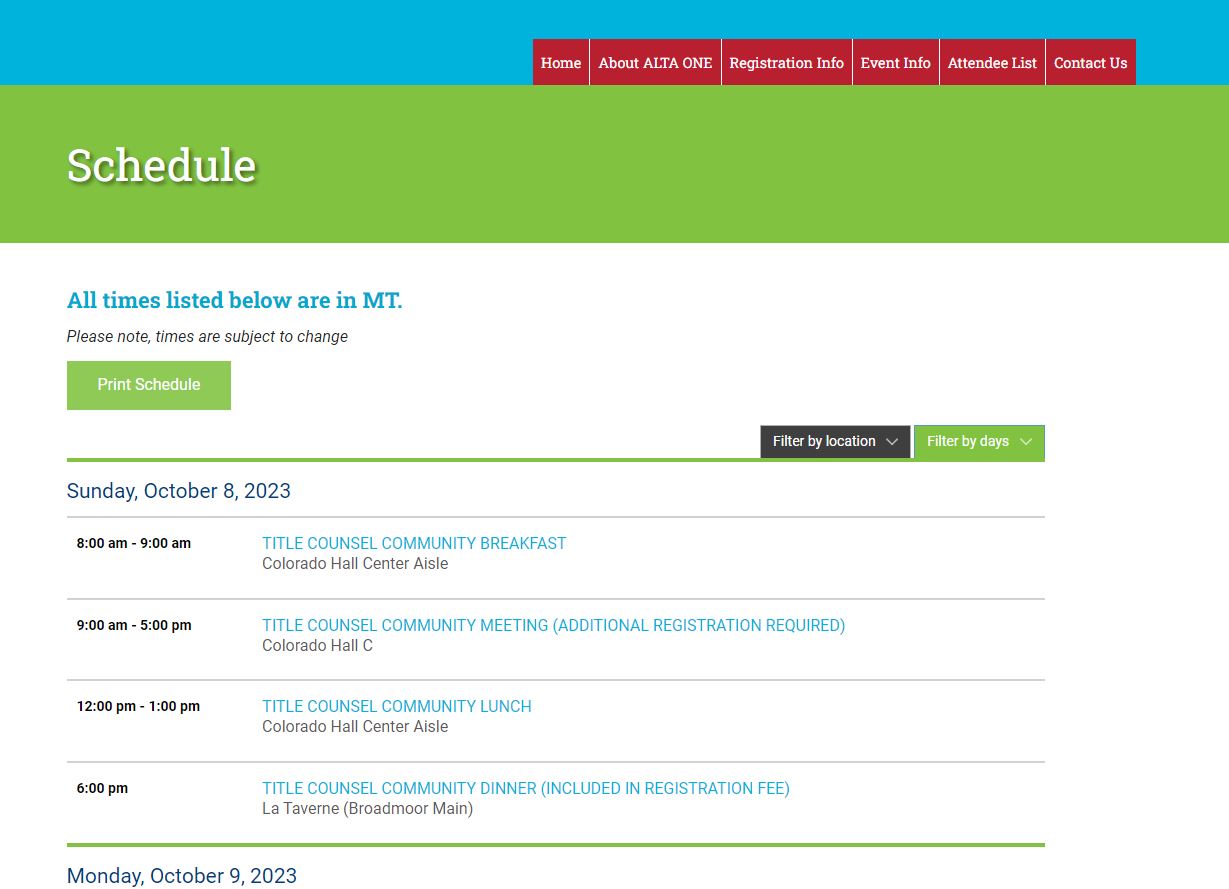
- Click on the “Print Schedule” button to open the print setup screen.
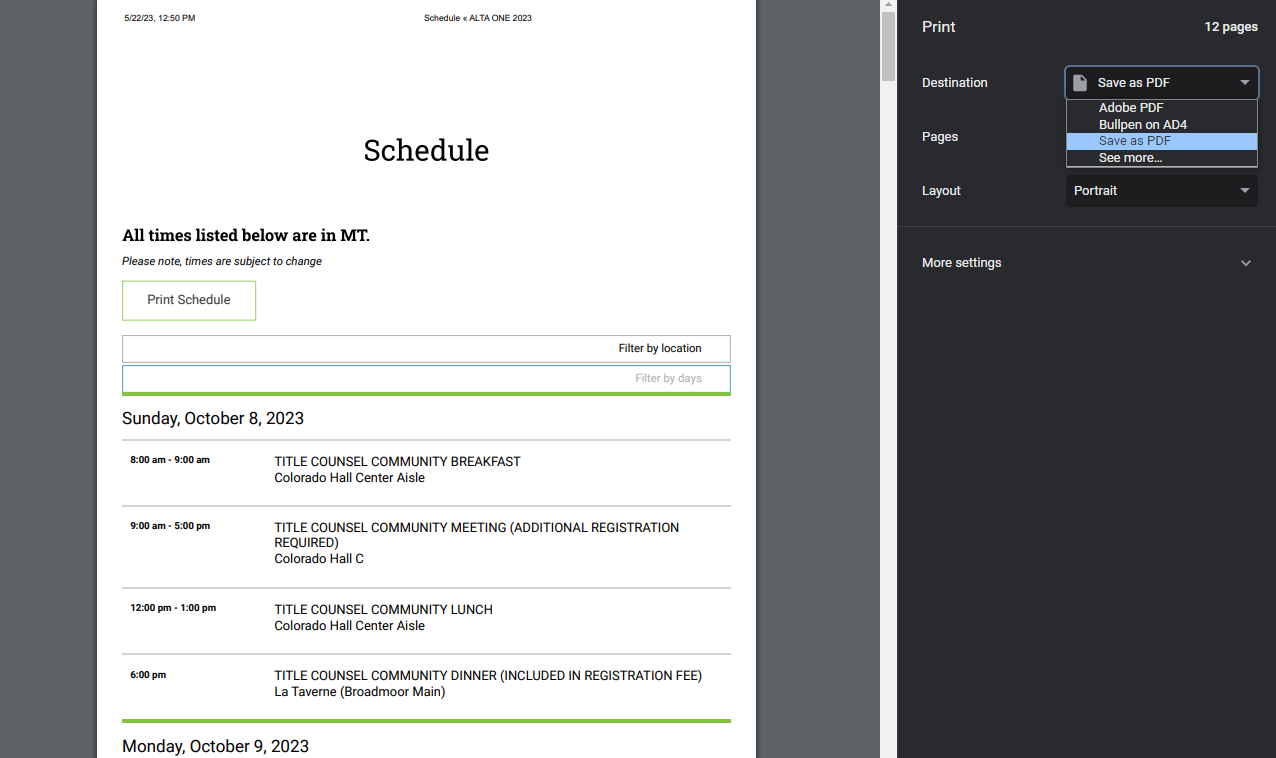
2. In the printer setup screen, click on the drop-down button for the “Destination” option, and choose “Save as PDF”. Next, click Save.
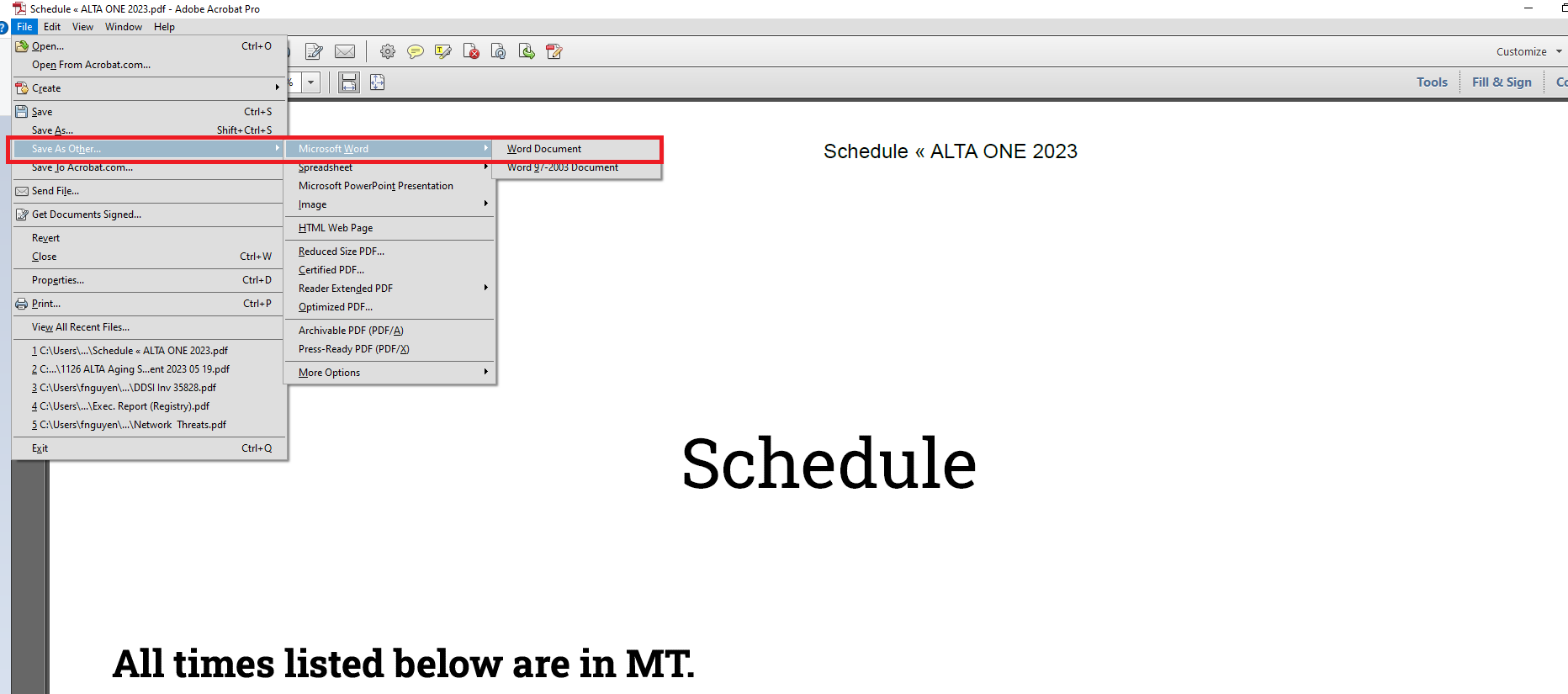
3. Next, Open the PDF file and Click File > Save As Other > Microsoft Word > Word Document. Please Name the word document and click Save to complete this step.