
-
Sign in to your account in Outlook on the web.
-
On the Outlook on the web navigation bar, select your name in the upper right corner.
-
Choose Open another mailbox
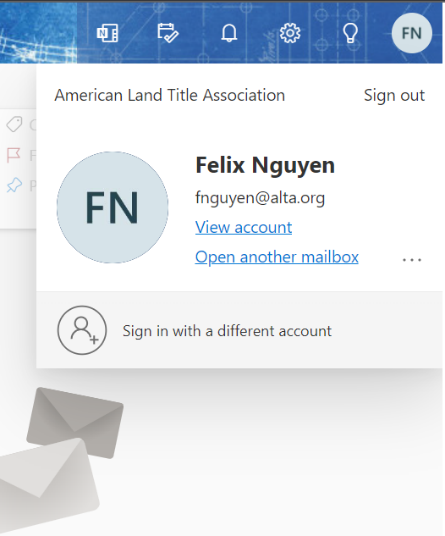
Enter the email address of the shared mailbox that you want to access and select Open.
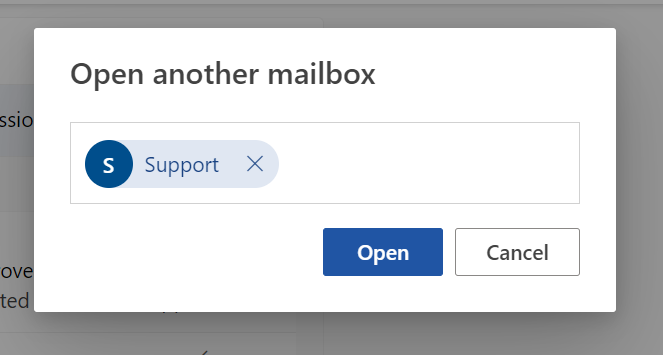
Another Outlook on the web session opens in a separate window, allowing access to the shared mailbox.
Set a rule in Outlook on the web for a shared mailbox
-
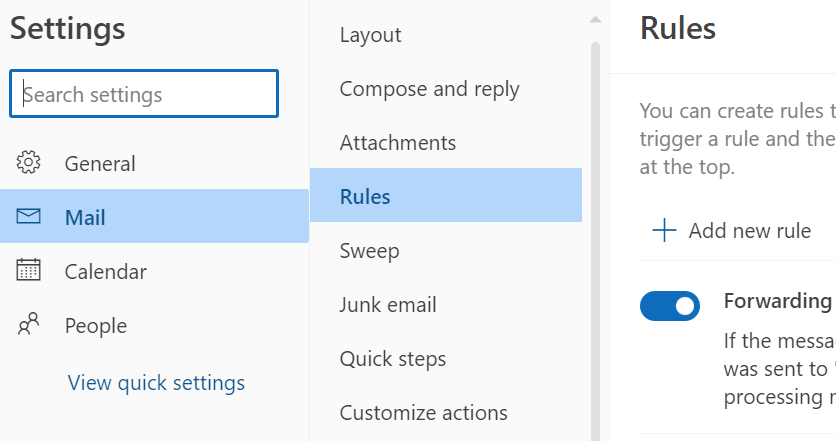
Select the View tab and View Settings menu icon

and choose Mail.
-
In the Mail > Rules section**.**
-
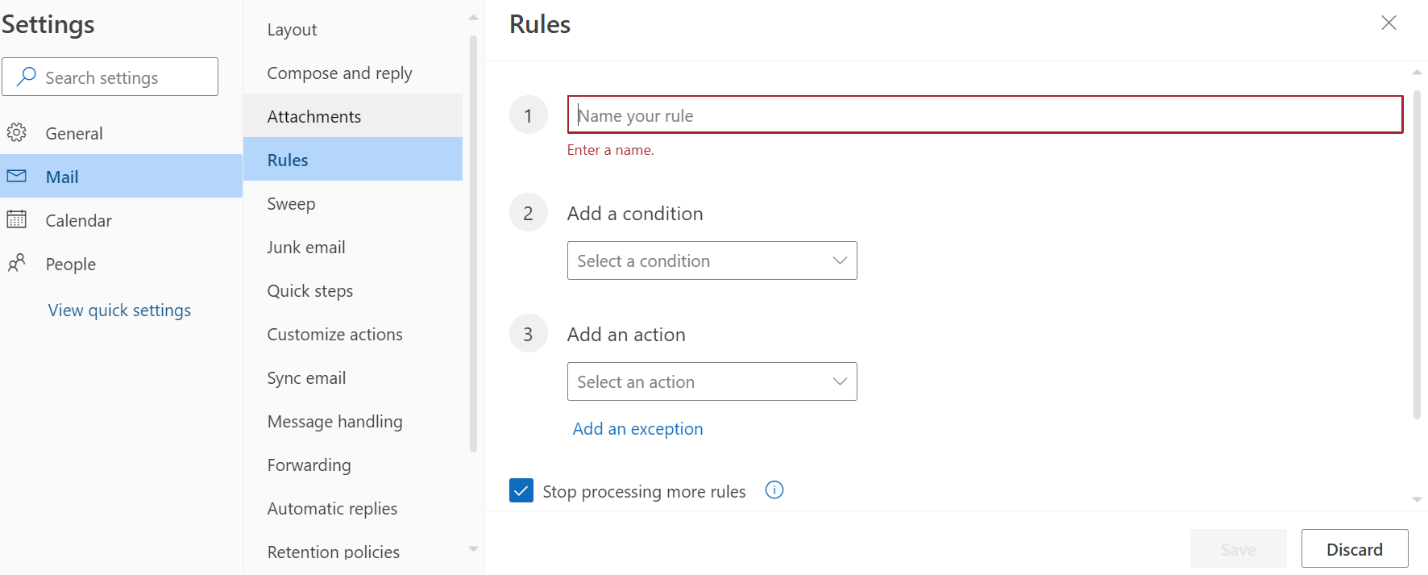
In the Inbox Rules section choose the + (plus) icon to add a new rule.
-
Give the rule a name.
-
Add conditions, actions, and exceptions accordingly.
-
Select OK above the rule wizard to save the rule.
