-
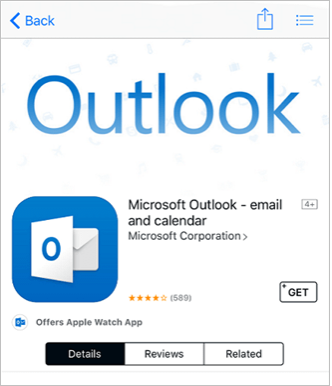
Sign in with your Apple ID or create an Apple ID if you don't have one.
-
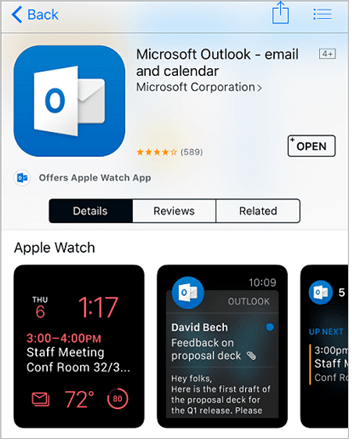
After the app is installed, select Open.
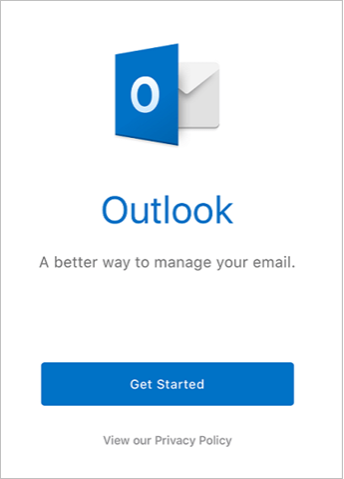
- Select Get Started on the home screen.
-
On the Get Notified screen, select the options (email, calendar invitations, etc.) in which you would like to be notified.
-
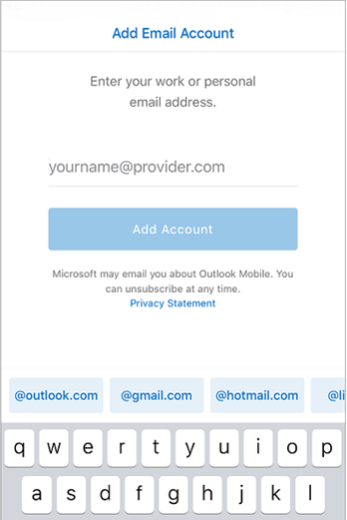
On the Add Email Account screen, enter your Office 365 email address and select Add Account.
-
The Outlook app will detect if your account is hosted by Office 365. On the Office 365 sign-in screen, sign into your mailbox.
-
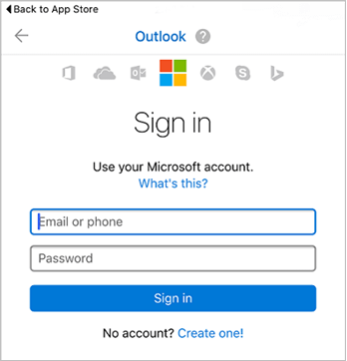
On the Sign in screen, type your ALTA email address and ALTA password and select Sign in.