When Vendor Staff Leaves
-
Their account must be set to not allow them access, but kept so their past actions are still logged.
-
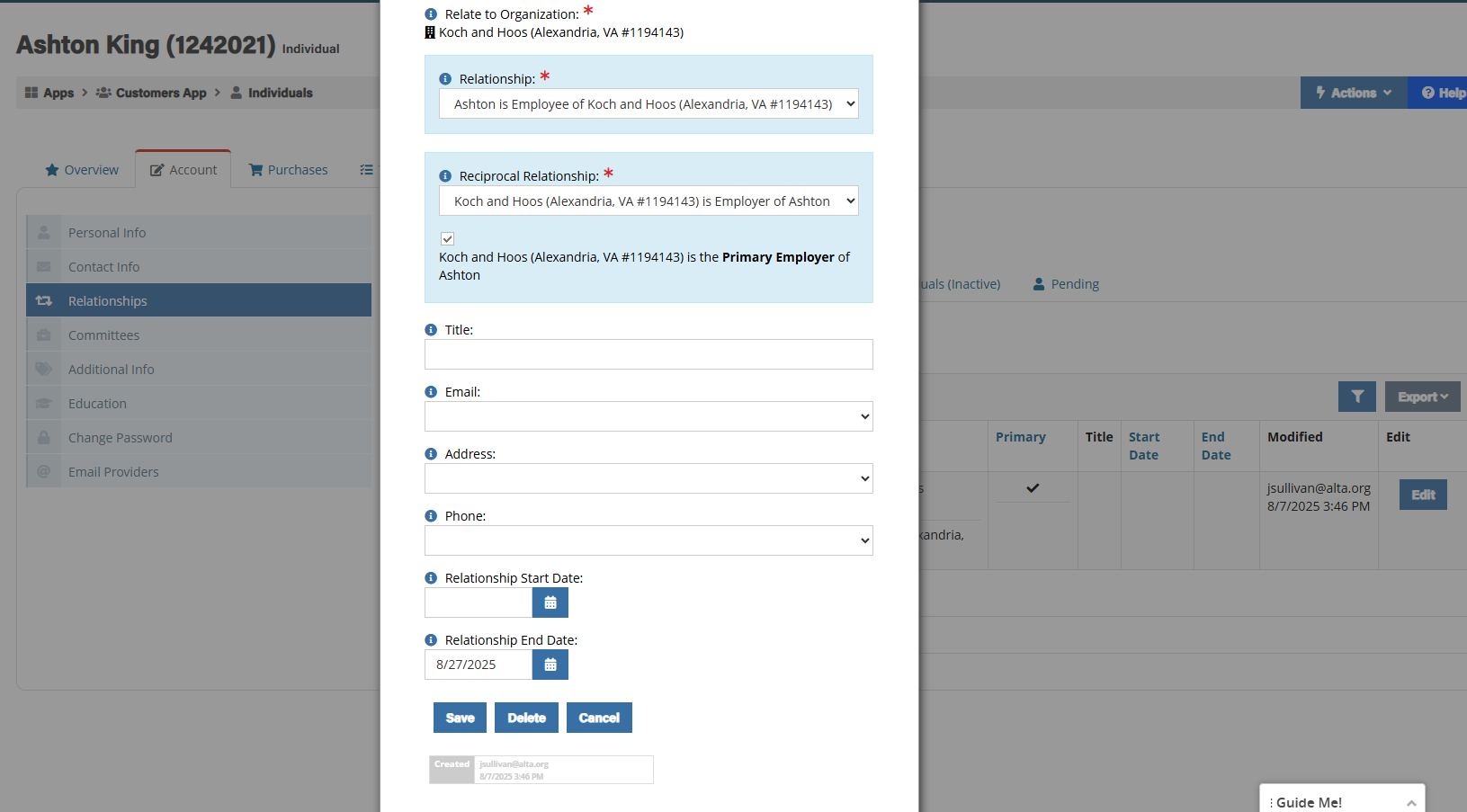
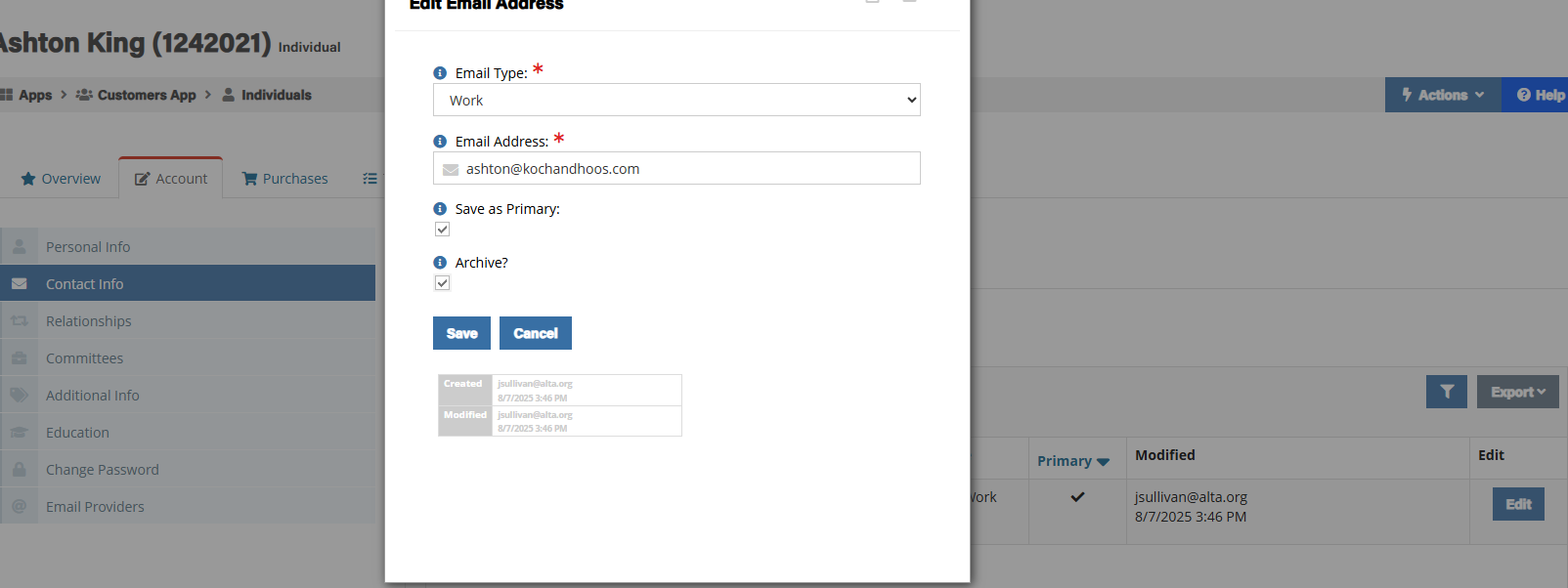
Navigate to the existing contact re:Members profile, end the relationship the individual has with the vendor and archive their email.
-
Archiving their email automatically REMOVES their user account, so all of their login permissions go away with that.
When Vendor Adds Staff
-
Make sure to archive email of old profile if they are not longer working (see above.)
-
Create a new individual profile for the new contact. Include their contact information and add in their relationship with the existing vendor.
-
Create an IT ticket asking the IT team to give specific permissions to the vendor contact and include the contact’s ALTA ID from the profile created.
-
For Koch & Hoss, as of 8/27/2025, it’s the following “User Roles” in the user management:
-
Customer Management
-
Fundrasing Managers
-
Payment Processors
-
Staff
-
-
-
Once IT confirms permissions have been granted, ask the individual to log in and test their permissions to make sure they have what they need.
