Manage Teams notifications for Microsoft Teams mobile app
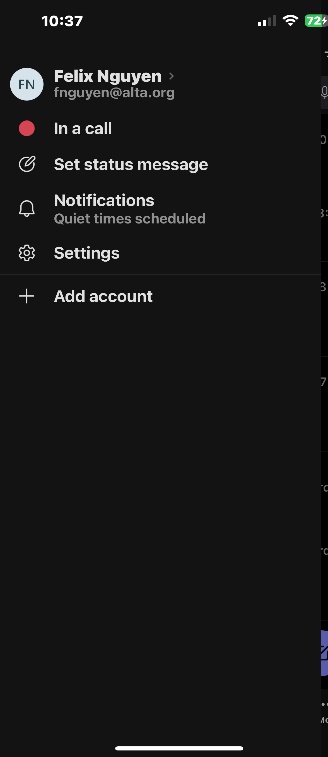
Tap Menu > Notifications.
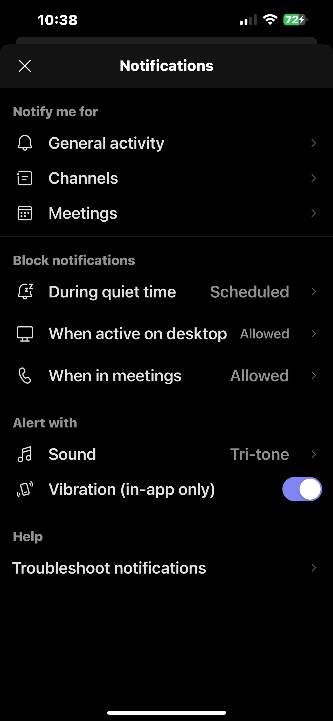
Set, modify, or manage these notifications:
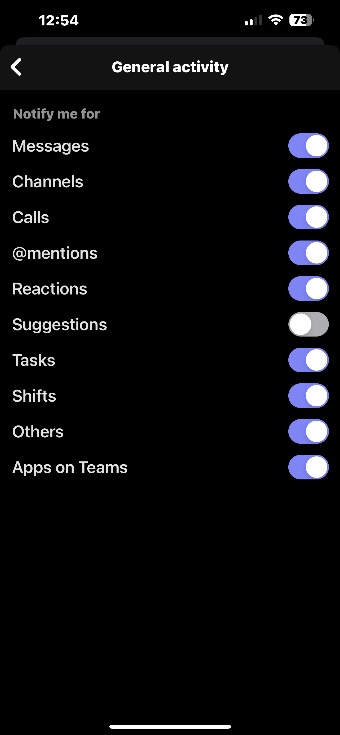
Tap General Activity and toggle notifications on or off for Mentions, Meetings, Calls, and more.
-
Tap Channels to manage which channels you're subscribed to.
-
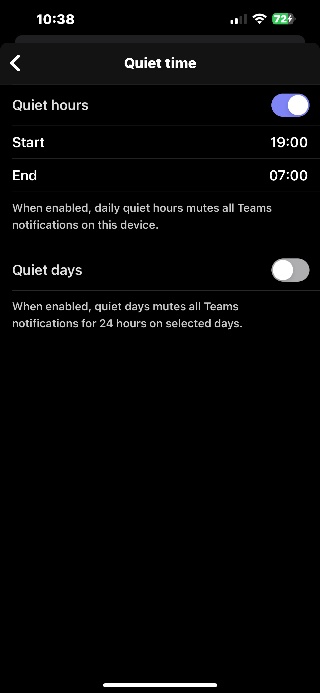
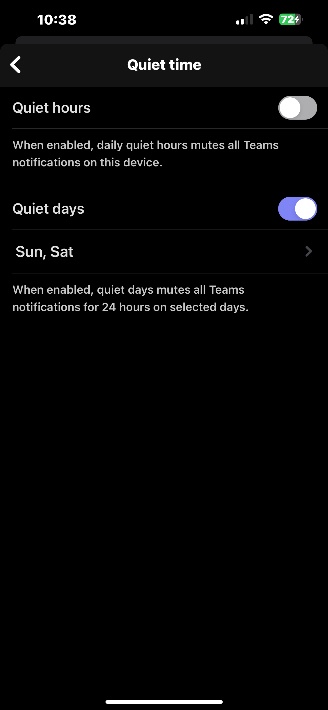
Tap During quiet time to mute notifications for specific times and days.
-
Click on the bell icon under Block notifications identified as During quiet time in the middle of the screen.
-
After you click quite hours, you will have the option to turn it on and a separate option to turn on quiet days
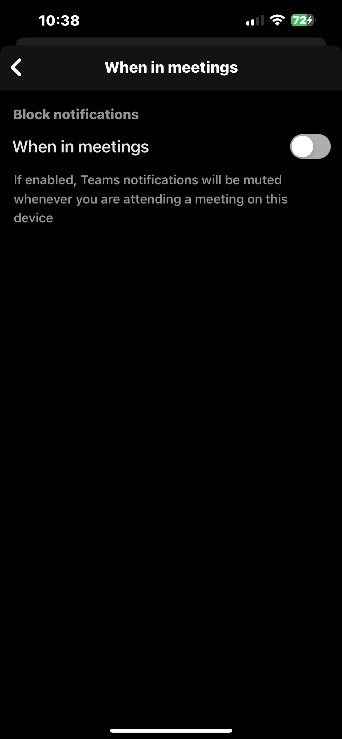
Tap When active on desktop or When in meetings to mute notifications if you're on the Teams desktop app, or if you're in a meeting.