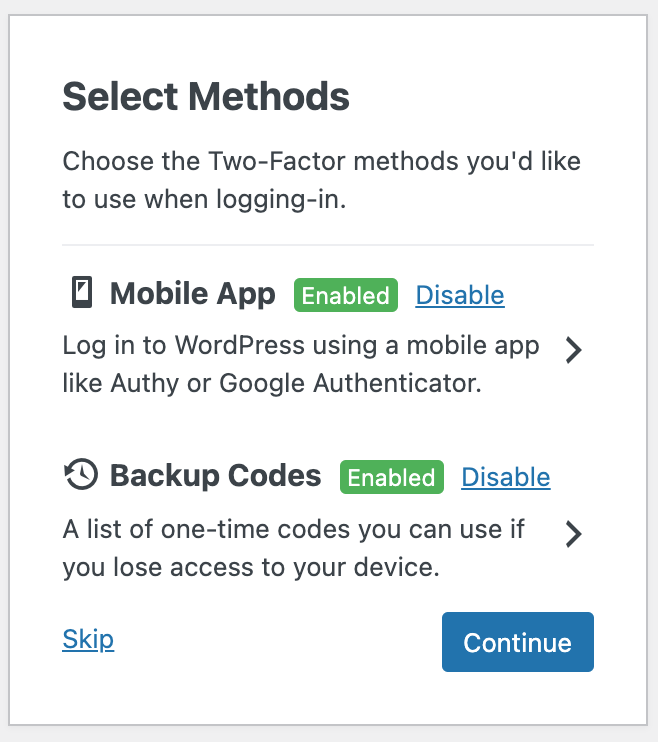
- Click the right arrow on screen.
- Click the "+" icon in your GA app on your phone.
- Scan the QR code and an entry should be created.
- Continue to verify and enter the code as soon as it's recycled.
2) Backup Codes
- Click the right arrow on screen.
- You will see ten backup codes.
- You can copy and paste these to a SECURE location, and they can be used INSTEAD of the mobile app should you ever lose access.
- Be very careful with these codes. Having them out in the open defeats the purpose of 2FA.
- If you wish, you can skip this step, but then if you lose access on the phone, IT will have to reset for you.
Once you see both are "Enabled" then you can click "Continue" and you should see that GA is fully setup.
To confirm, log out, and then log in again, and you should go directly from username & password to the GA entry in a 2nd step. Enter the code from your phone (not the backup codes) and you are all set.
