
Open browser of your choice and navigate https://vpn.alta.org/
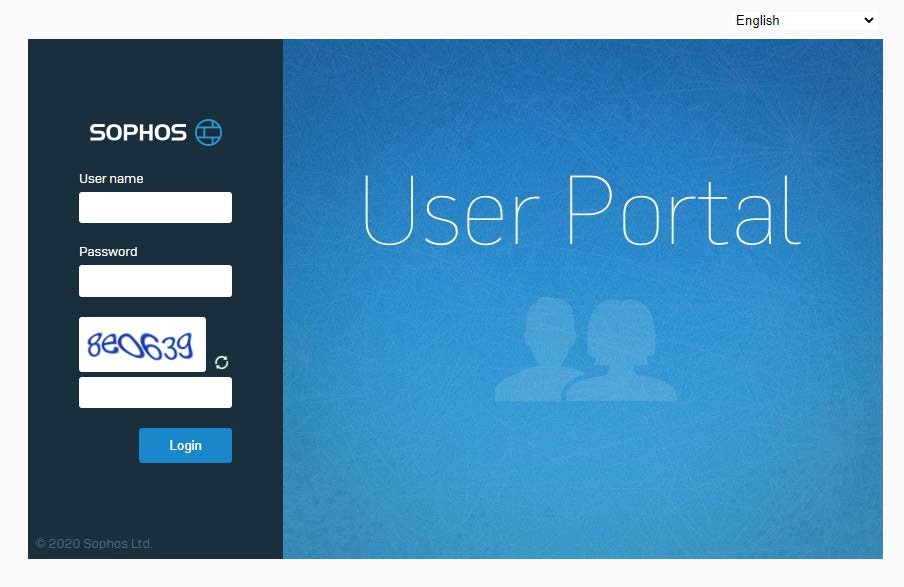
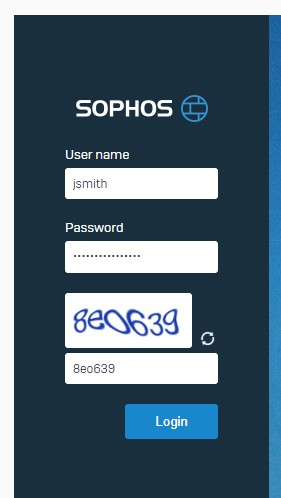
1. Enter username, password and the code shown in the picture, please be aware that you should only enter your username (not your full email address) Click login to complete.
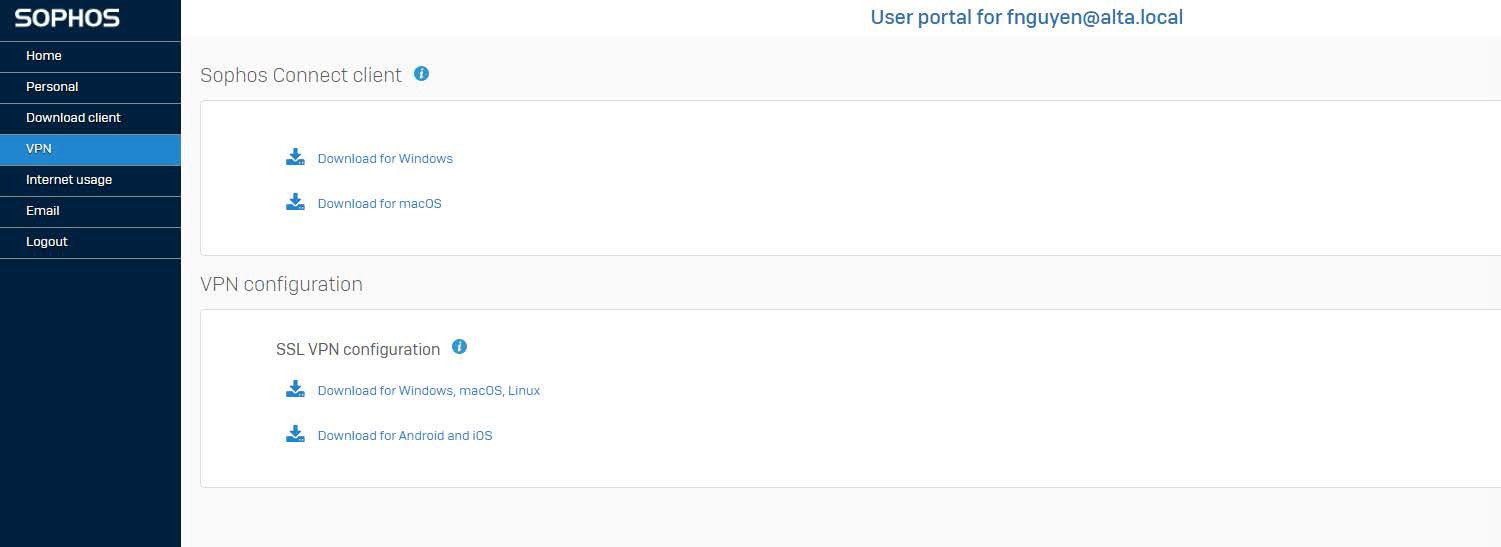
Click the SSL VPN tab on the left and then click on first link “Download for Windows, macOS, Linux” under the VPN configuration section.
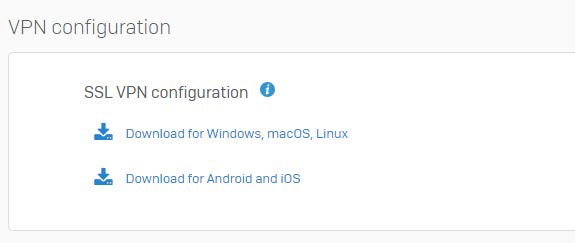
Run the downloaded file “SSL_VPN_Config”

Connecting to the VPN on Windows
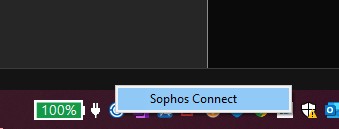
Access your hidden tray icons and find the blue C icon

Right click on the icon on the system tray and click Sophos Connect.
- Click Connect. Then supply your username and password, please be aware that you should only enter your username (not your full email address) then press OK.
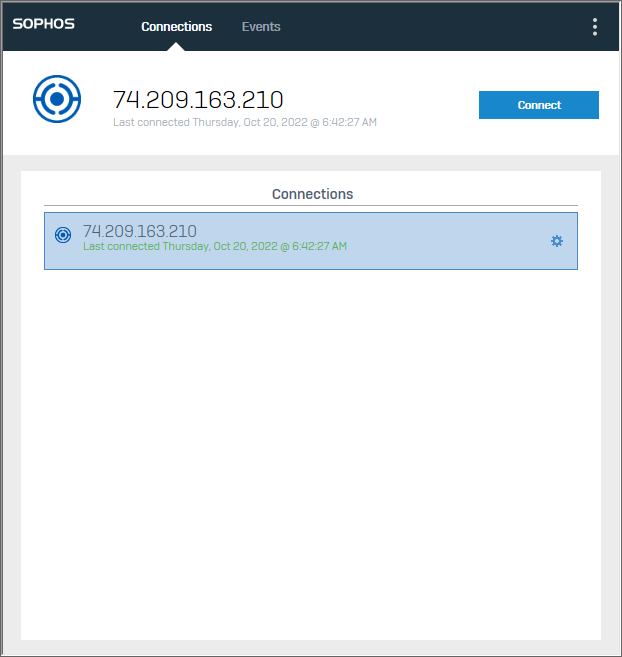
4. When connected, the blue C icon will have a green check.