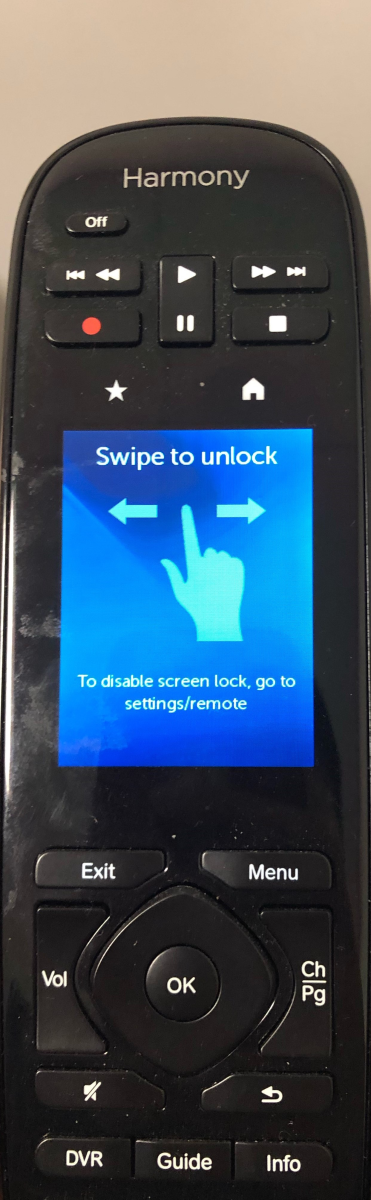
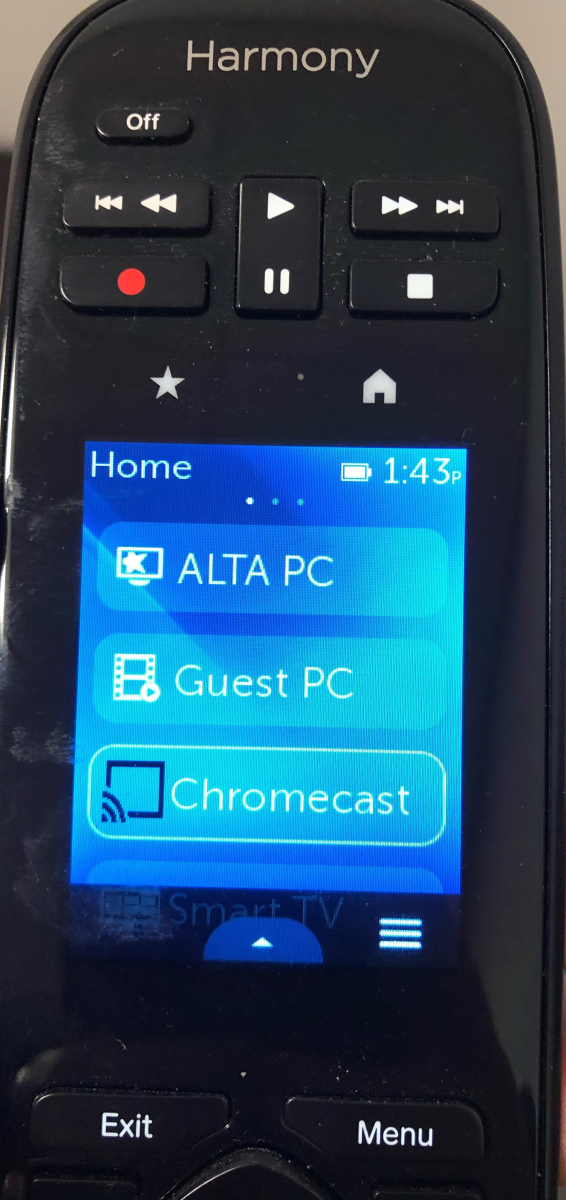
- Then, tap on the keyboard or click on the mouse to wake up the computer. You will then see the login screen and can enter the login password (contact the IT department)
- When you are done with your meeting, please lock the computer by pushing window button + "L" key and put the remote control back to the charging dock.
 Made with DASH A.i.
To bring the Hub A–B computer out of sleep mode, give the keyboard or mouse a tap or click. The login screen will appear and you can enter the room's password.
Don't have the login password? Contact the IT department directly — do not share or store the password in unsecured locations.