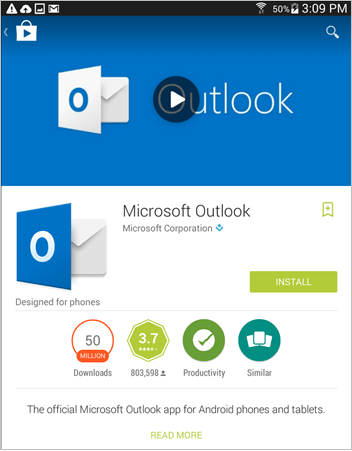
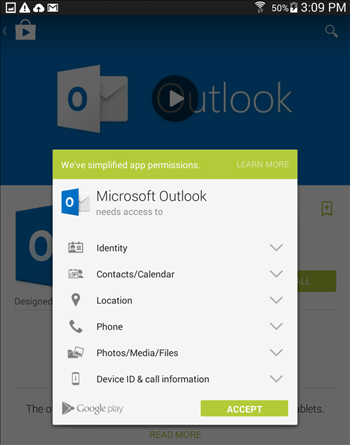
- In the search results, select the Microsoft Outlook app, and then select Install.
**
 **
**
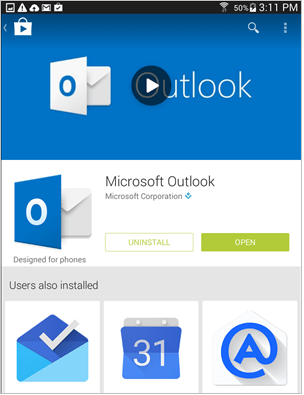
- When the installation is complete, select Open.
**
 **
**
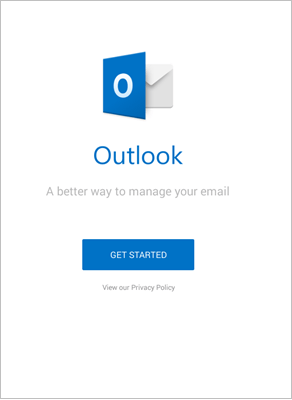
- When the app opens, select Get Started.
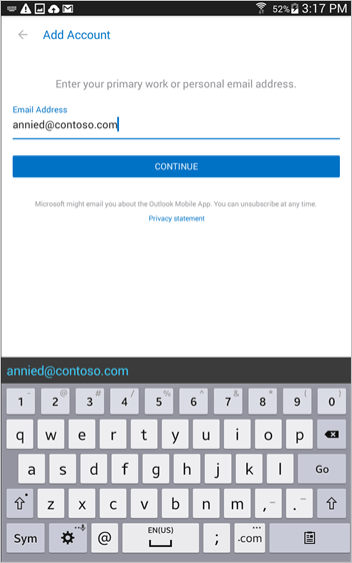
- On the Add Account screen, enter your ALTA email address and select Continue.
- Enter your ALTA password and select Sign in.
