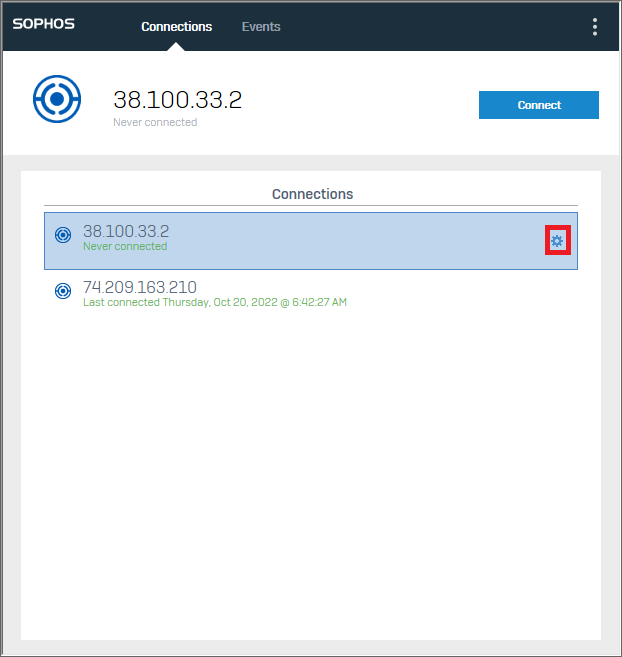
To Remove the old VPN Profile, please navigate to the VPN icon on the task bar of your desktop

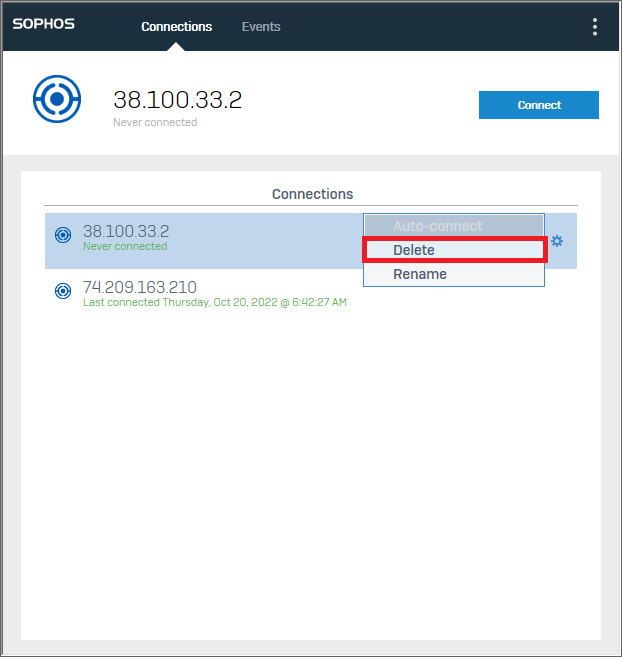
Click on the VPN icon and click on the gear icon for the VPN profile with the IP address 38.100.33.2. Then click “delete” and confirm the prompt. This will remove the old VPN profile from your computer.