
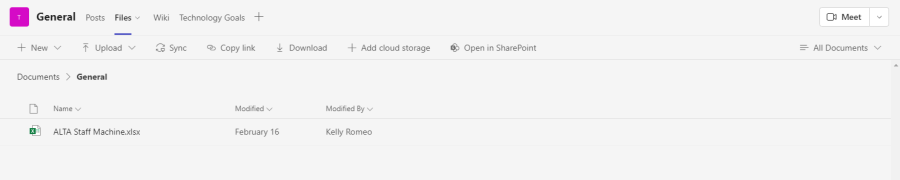
- To sync your Microsoft Teams files, go to the "Files" tab in a channel in your Team and click "Sync."
Teams Will attempt to connect to the OneDrive client on your device.
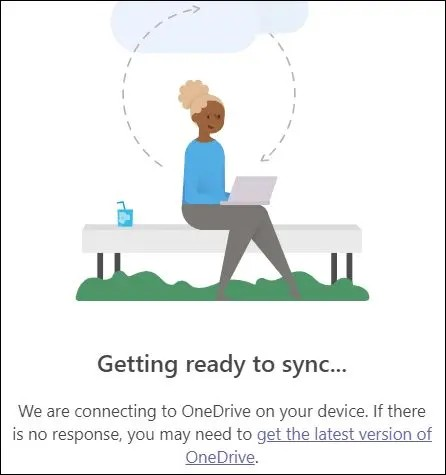
- If you don't already have the OneDrive client installed, click on the "Get the Latest Version of OneDrive" link
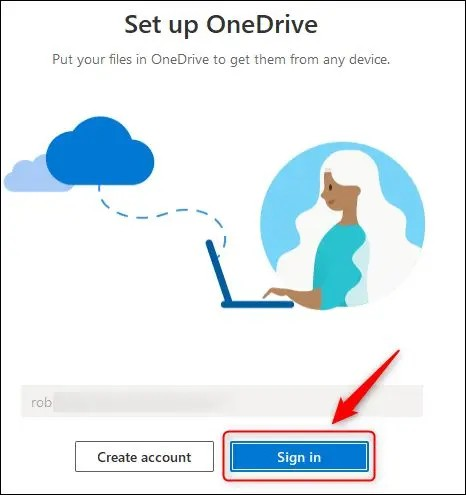
- Once the OneDrive client is installed Teams will ask you to sign in to your Microsoft account.
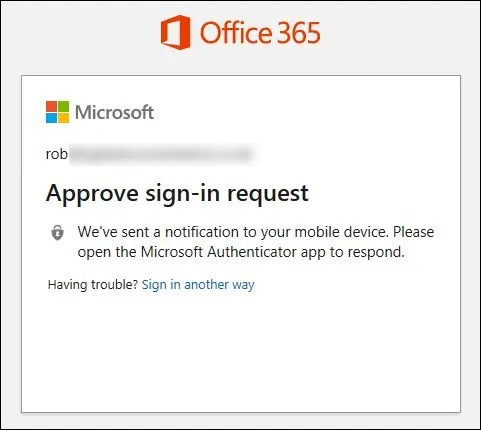
- You'll have to approve the sign-in using your authenticator app or SMS code.
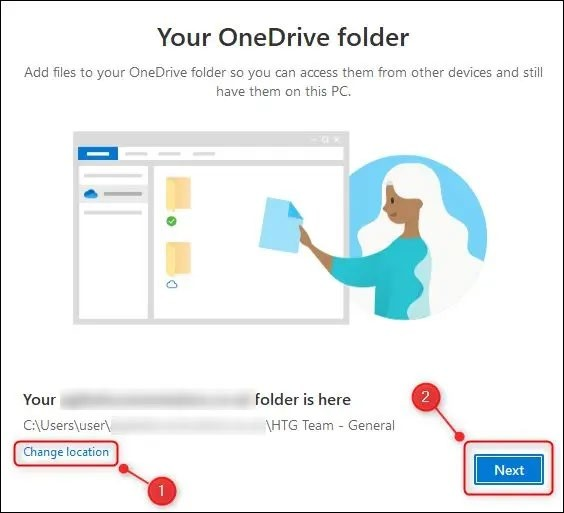
- There are three pages of information about sharing and where your files are, so click "Next" to go through them. On the "Get the Mobile App" page, select "Later."
