Important: The Customer Portal only supports the Google Chrome™ web browser, though the portal may work in other browsers.
Open Google Chrome
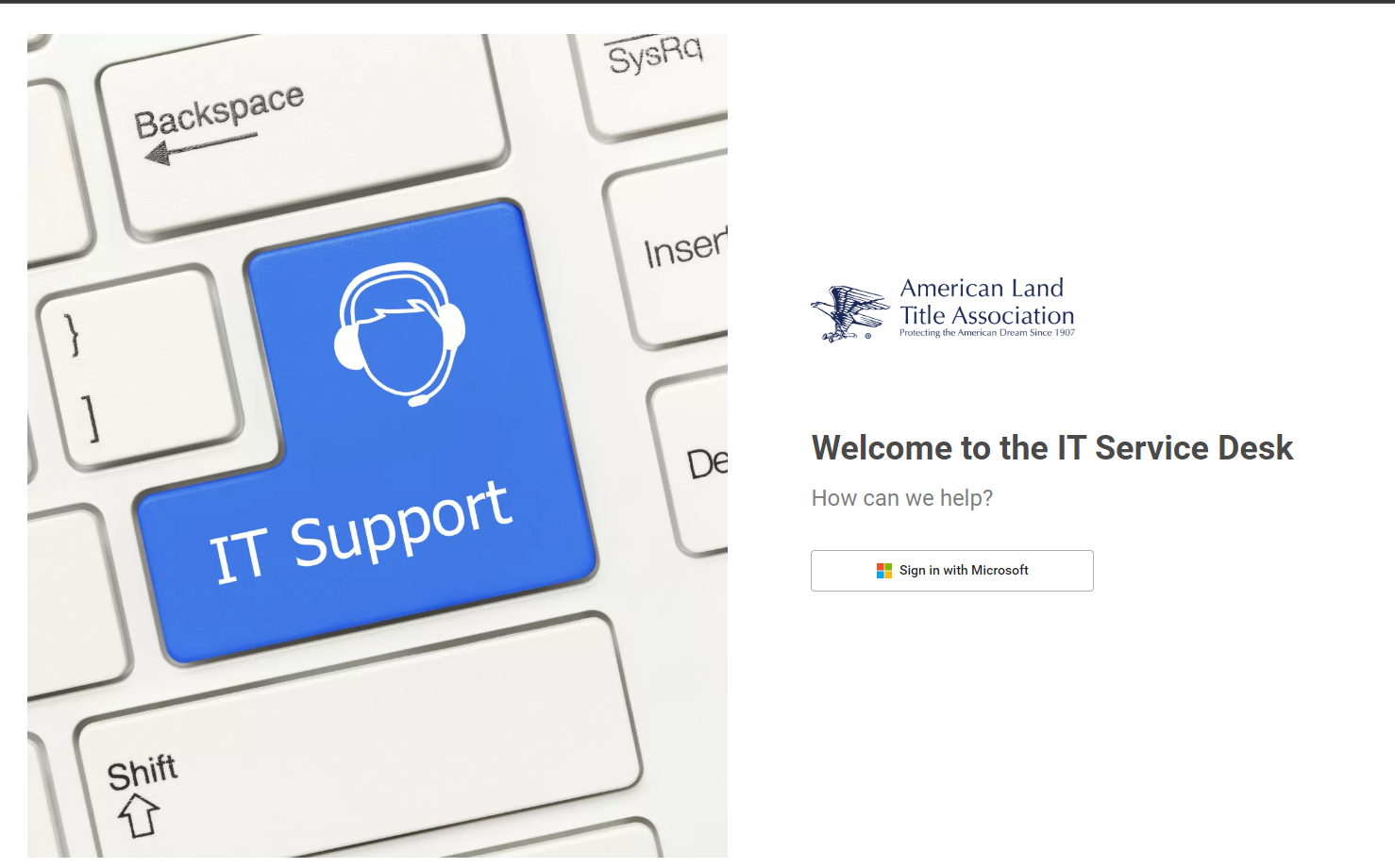
Select Sign in with Microsoft: Sign in with your Microsoft credentials
Click to enlarge
Note: If you are accessing the Customer Portal through Safari® from an iPhone®, you must disable cross-site tracking for Safari:
Open Settings.
Tap Safari.
Tap to disable the Prevent Cross-Site Tracking toggle.
Navigate the Customer Portal
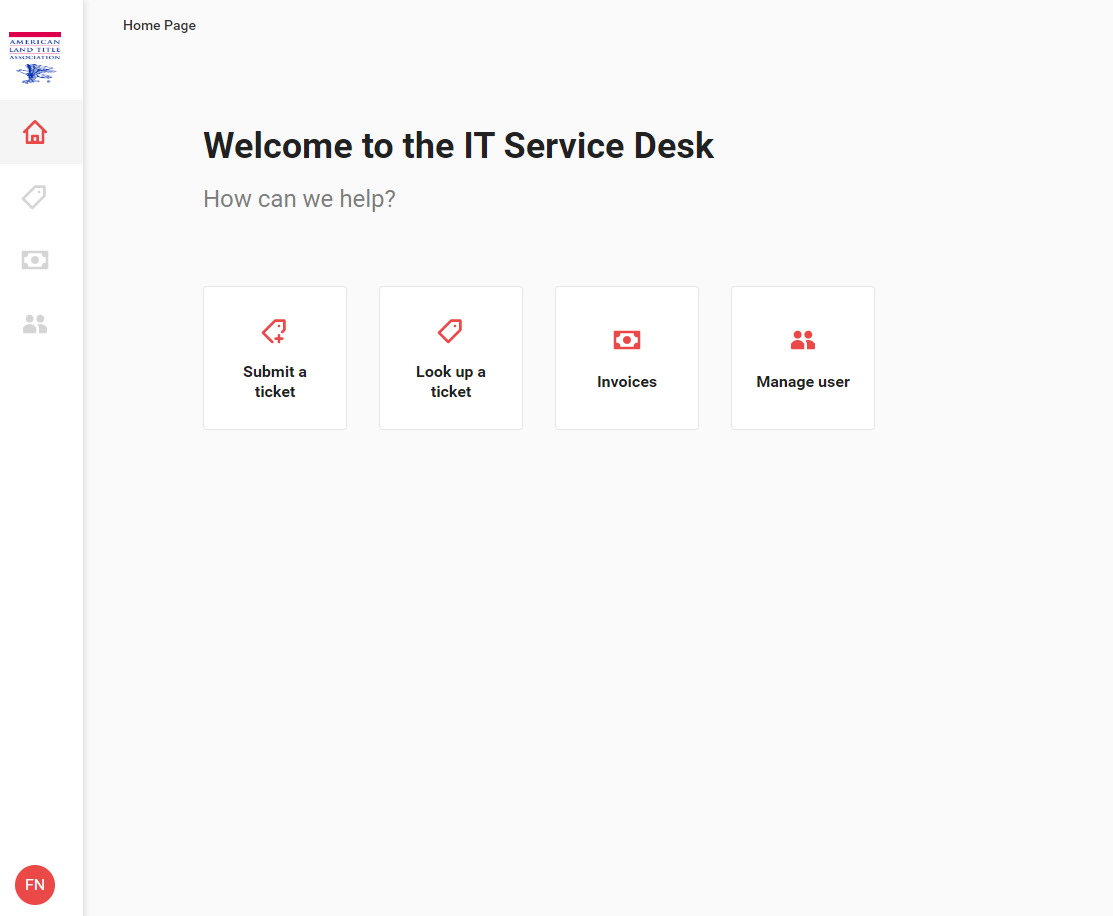
The Home screen is the default landing page for the Customer Portal. From this screen, you can easily access the tickets menu. There are two options:
Submit a ticket
Look up a ticket
Click to enlarge
Side Navigation Bar
Click to enlarge
<table data-table-width="760" data-layout="default" ac:local-id="7a1a8198-3a0c-4963-8416-775230783622"><colgroup><col style="width: 226.67px;"><col style="width: 226.67px;"><col style="width: 226.67px;"></colgroup><tbody><tr><td><p></p><p></p><p>Home</p></td><td><p><img src="https://xaftxntyjxdujkhgbatj.supabase.co/storage/v1/object/public/purview-attachments/16678928/att_2_for_16678928.png" alt="att_2_for_16678928.png"></p><p></p></td><td><p></p><p></p><p>Return to the Home screen.</p></td></tr><tr><td><p></p><p></p><p>Tickets</p></td><td><p><img src="https://xaftxntyjxdujkhgbatj.supabase.co/storage/v1/object/public/purview-attachments/16678928/att_3_for_16678928.png" alt="att_3_for_16678928.png"></p><p></p></td><td><p></p><p></p><p>View and submit tickets.</p></td></tr><tr><td><p></p><p>Log out</p></td><td><p><img src="https://xaftxntyjxdujkhgbatj.supabase.co/storage/v1/object/public/purview-attachments/16678928/att_7_for_16678928.png" alt="att_7_for_16678928.png"></p></td><td><p></p><p>Log out of the portal.</p></td></tr></tbody></table>
Log Out of the Customer Portal
Click the circle with your initials at the bottom of the left navigation.