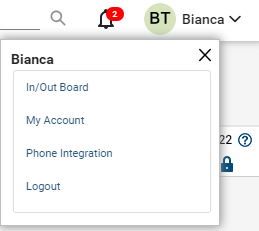

ConnectWise Manage: Today Tab – Top Navigation
-
New Item Drop-Down Menu
-
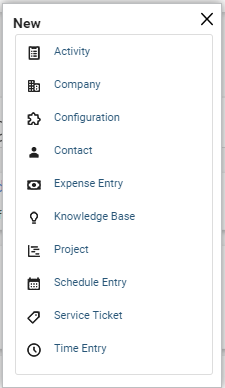
Contains links to quickly create various types of records such as Service Tickets, Activities, Schedule Entries, and more.
-
-
The Recent Drop-Down Menu
-
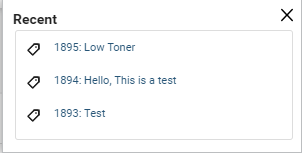
Lists the most recent items that you have accessed in chronological order
-
-
The Calendar Menu
-
Opens the My Calendar Screen on a new tab.
-
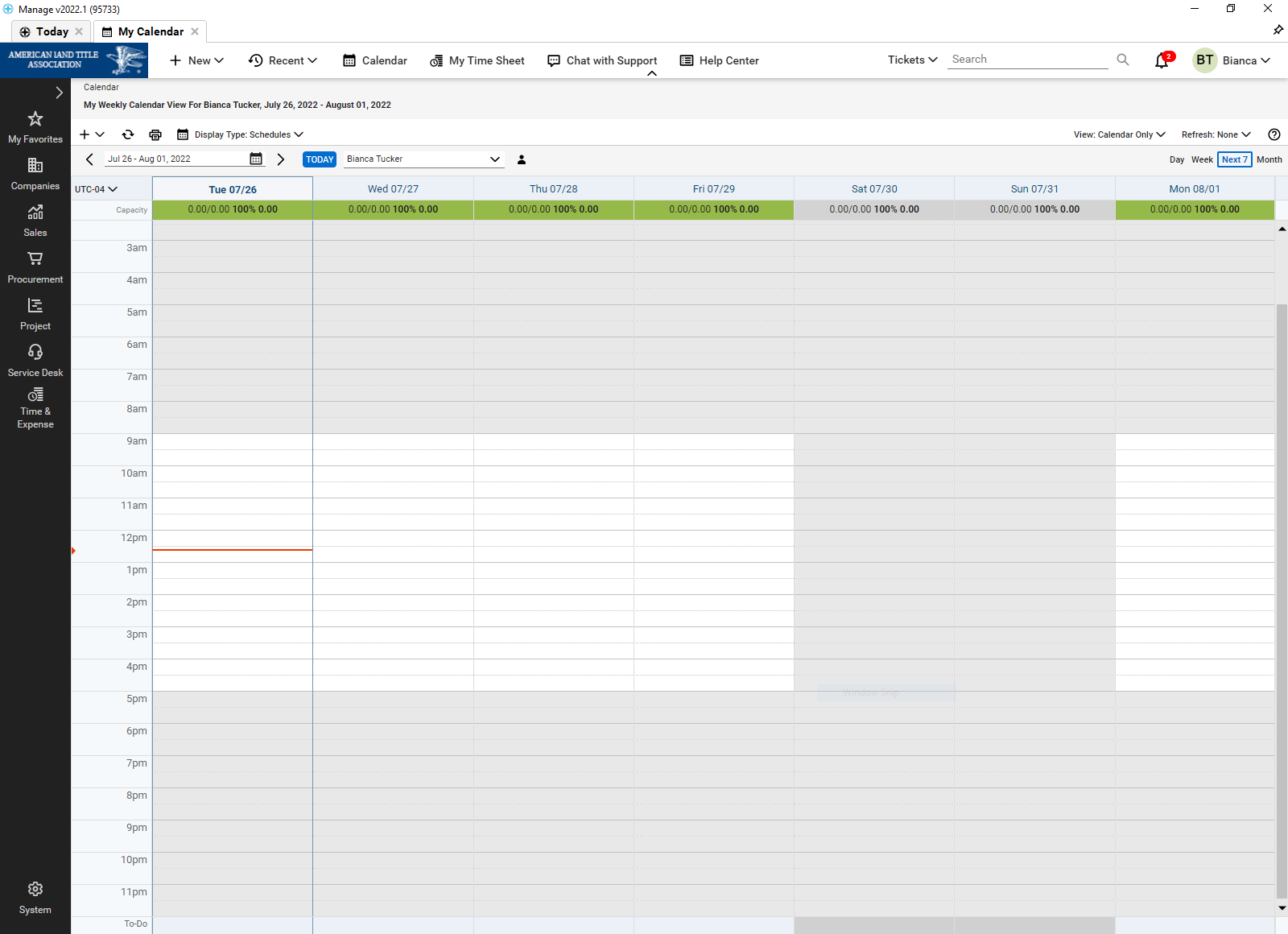
The My Calendar feature allows you to quickly view and schedule tickets, activities, and meetings
-
-
The My Time Sheet Menu
-
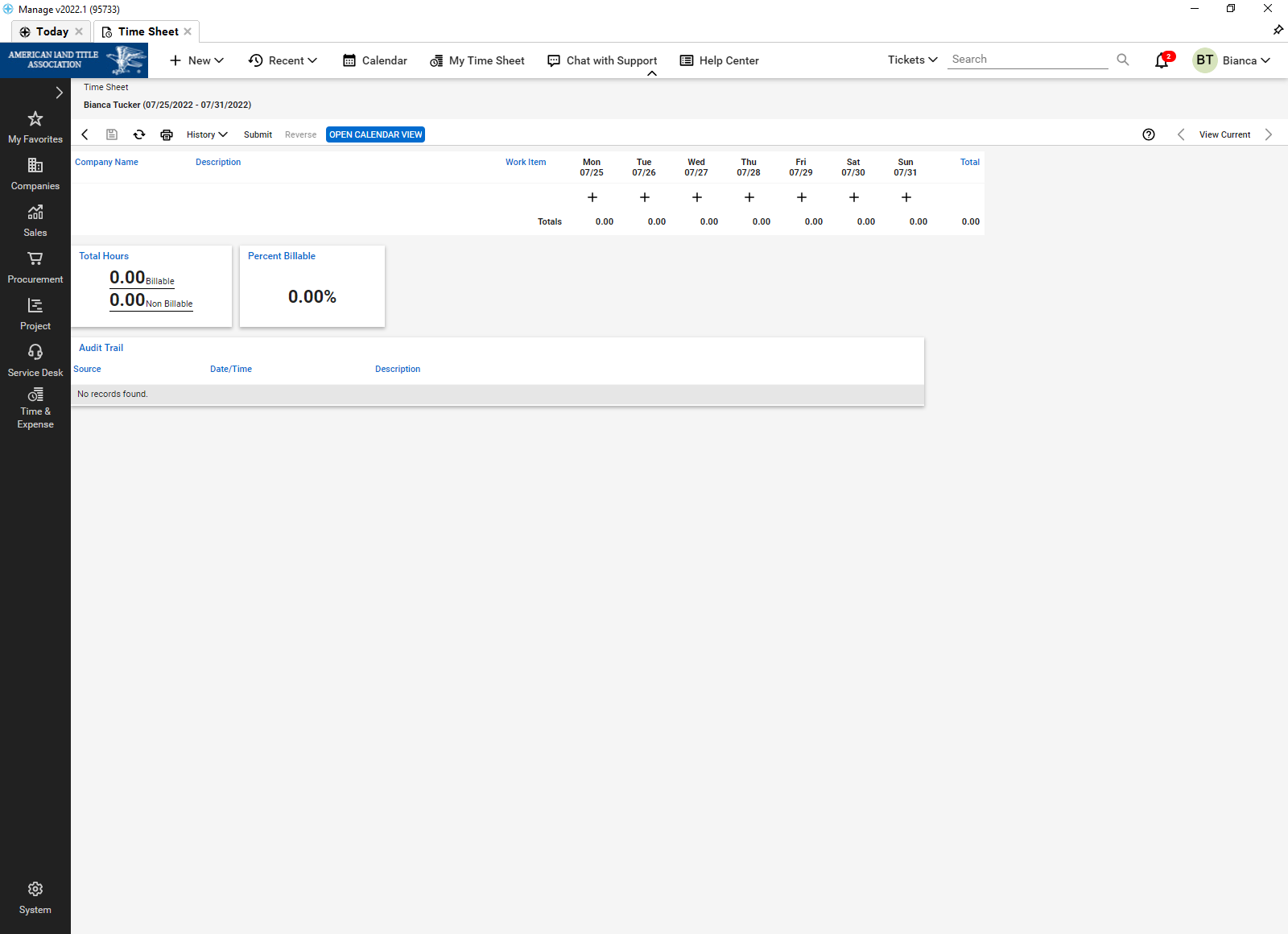
Opens your current timesheet in a new tab on this screen you can review, edit, or submit your timesheet.
-
-
Chat With Support
-
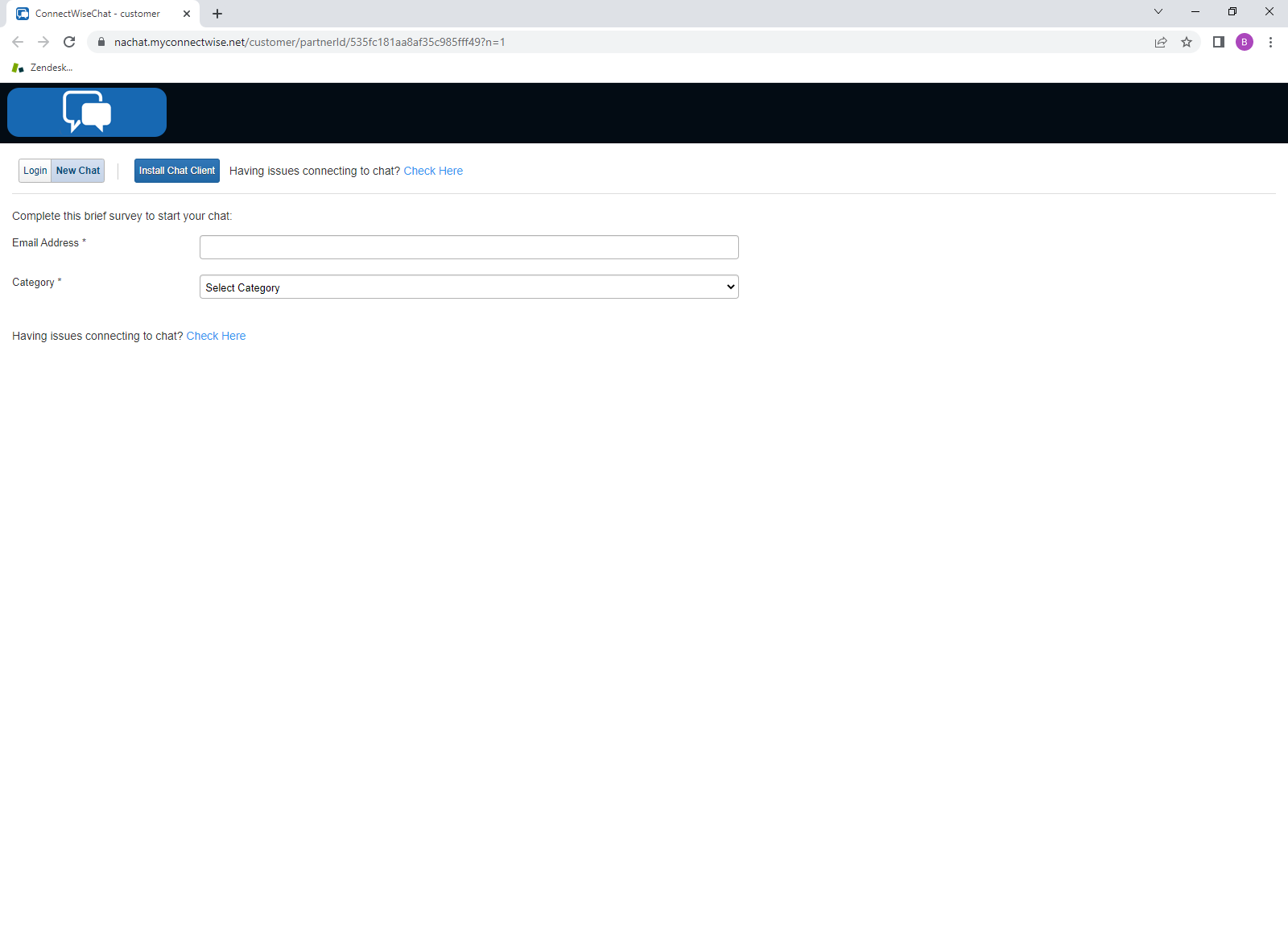
Opens a new window in your browser to initiate a chat session with ConnectWise Manage Support.
-
-
The Search Field
-
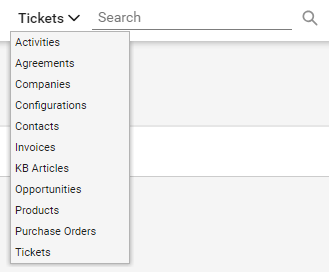
Can be used to search for records within a selected category. The drop-down menu allows users to filter by record type.
-
Several records at one time
-
Ability to use keywords
-
Search results will appear on a new screen.
-
You can change your search parameters by using the checkboxes
-
-
-
User Drop-Down Menu
-
Allows quick access to user-specific settings
-
Functions Include:
-
In/Out Board
-
My Account
-
Phone Integration
-
Touch Mode
-
Logout
-
-