
Here are the steps to disable auto fill for online meeting in meetings:
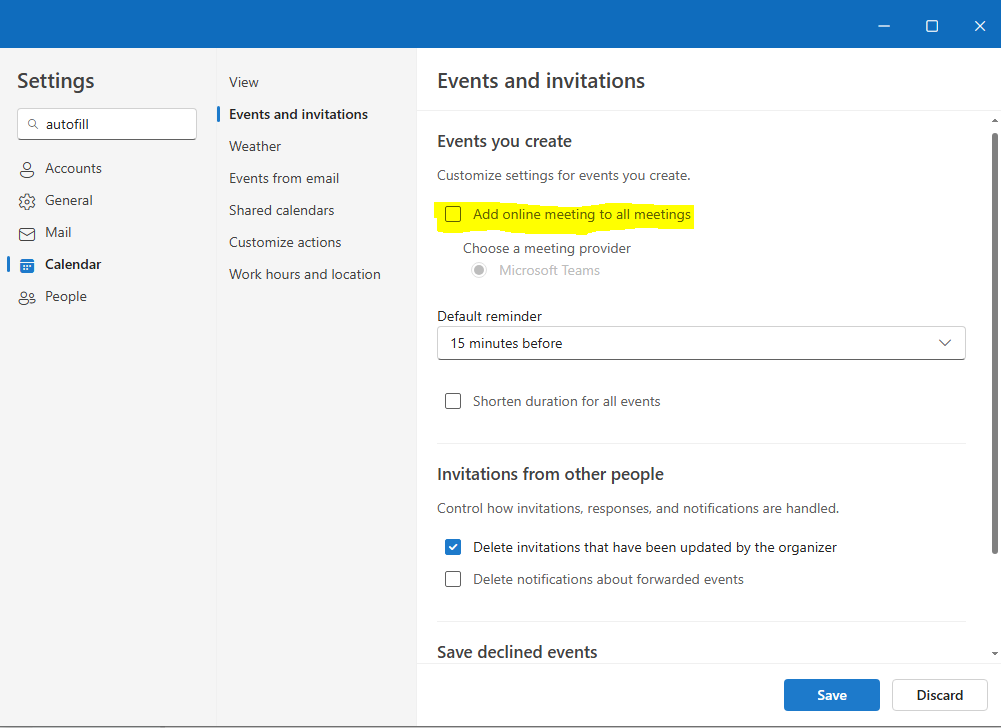
To disable the auto filled meetings please go press the Settings cog> Calendar > Events and Invitations and uncheck the option "Add online meeting to all meetings".
Note: There is two different pages for disabling autofill in ms teams on confluence, they both show the same steps.
