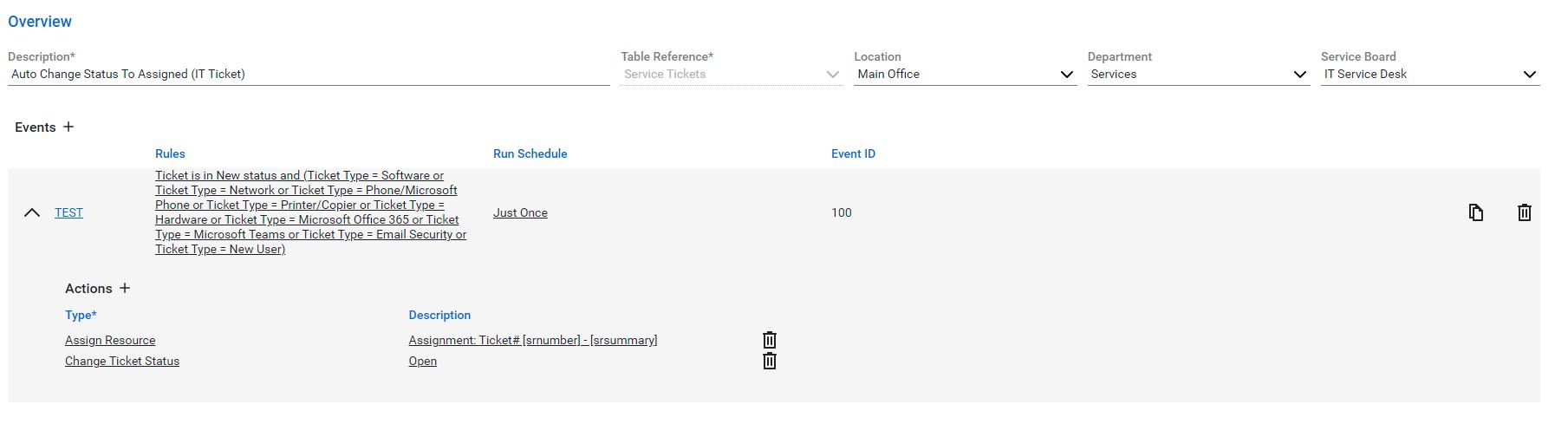
- Auto Change Status to Assigned (IT Ticket)
-
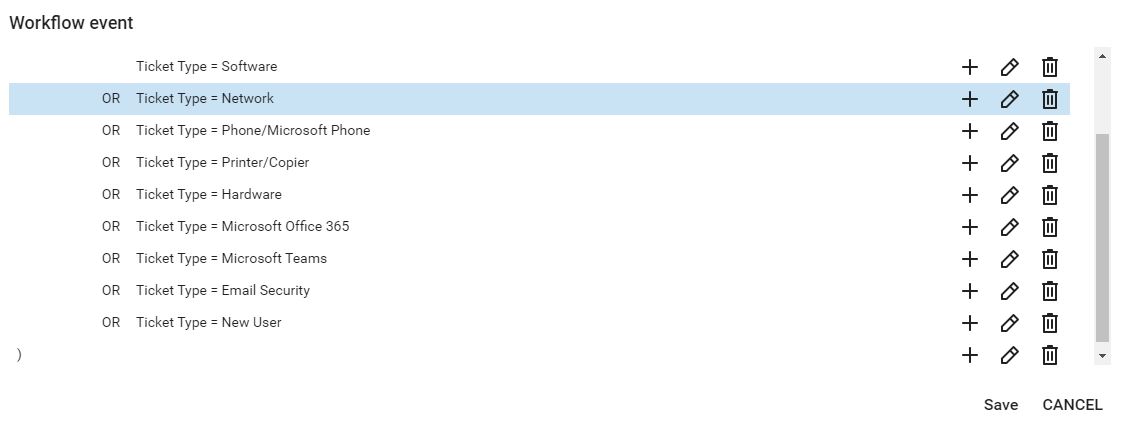
Assign ticket to Felix if the ticket meets the criteria (Type)
-
Software
-
Hardware
-
Network
-
Microsoft Teams
-
Microsoft Office 365
-
Phone/Microsoft Phone
-
Printer/Copier
-
Email Security
-
New User
-
2. Auto Change Status to Assigned (Impexium/Data)
-
Assign ticket to Chad if the ticket meets the criteria (Type)
-
Impexium
-
Data
-
3. Auto Change Status to Assigned (Impexium Customizations/Website/Intranet/Thaddeus/Registry)
-
Assign ticket to Chad if the ticket meets the criteria (Type)
-
Impexium Customizations
-
Website Customization
-
RMS/Registry/Overnight Scripts
-
Intranet
-
Thaddeus
-
4. Auto Change Status to Assigned (Web Sites Content or General)
-
Assign ticket to Shawn if the ticket meets the criteria (Type)
- Web Sites Content or General
5. Update Status When Staff Response
- Update status when a staff response to the ticket
6. Customer has not responded in 14 days
- Send a notification email to notify the staff about an outstanding ticket
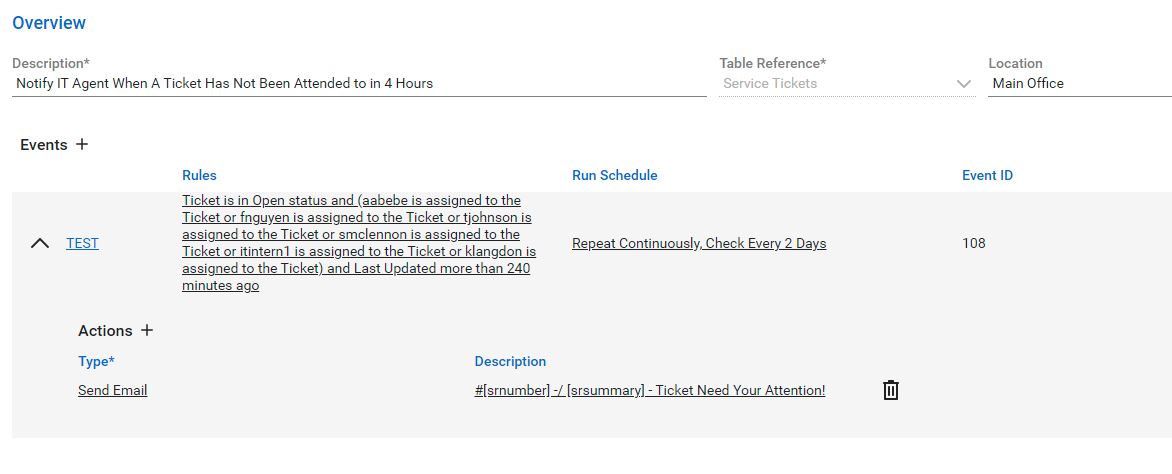
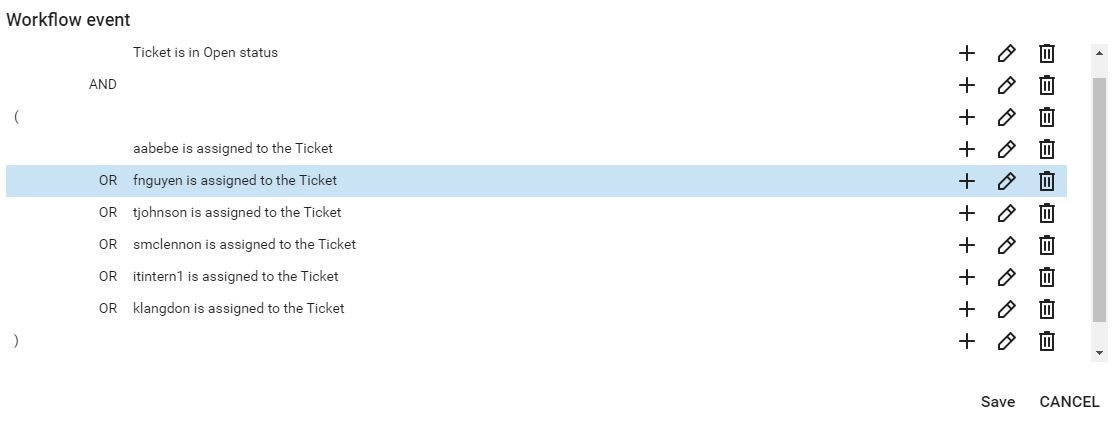
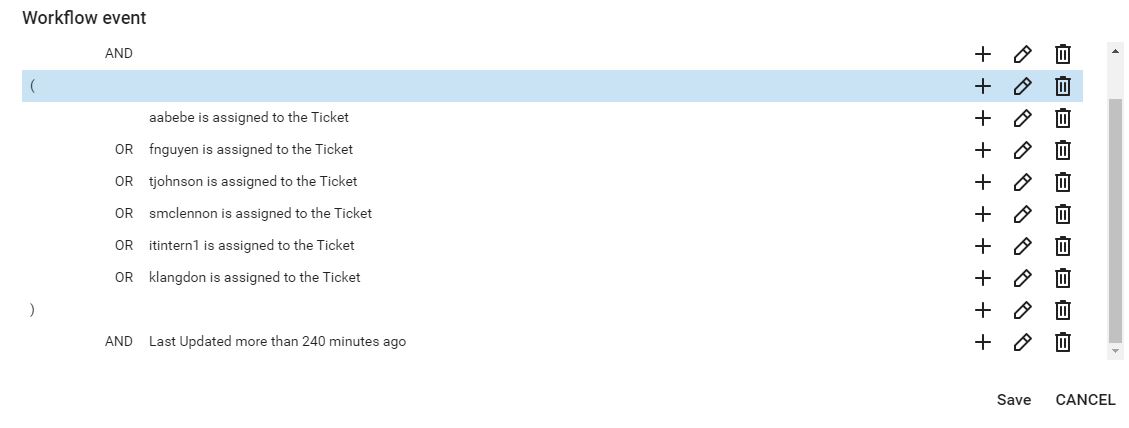
7. Notify IT Agent When A Ticket Has Not Been Attended to in 4 Hours
- Send a reminder to internal IT members for new ticket that has not been responded within 4 hours. This rule will run every two days.