
ConnectWise Manage: How to Create a Project
First, go to the Companies Module.

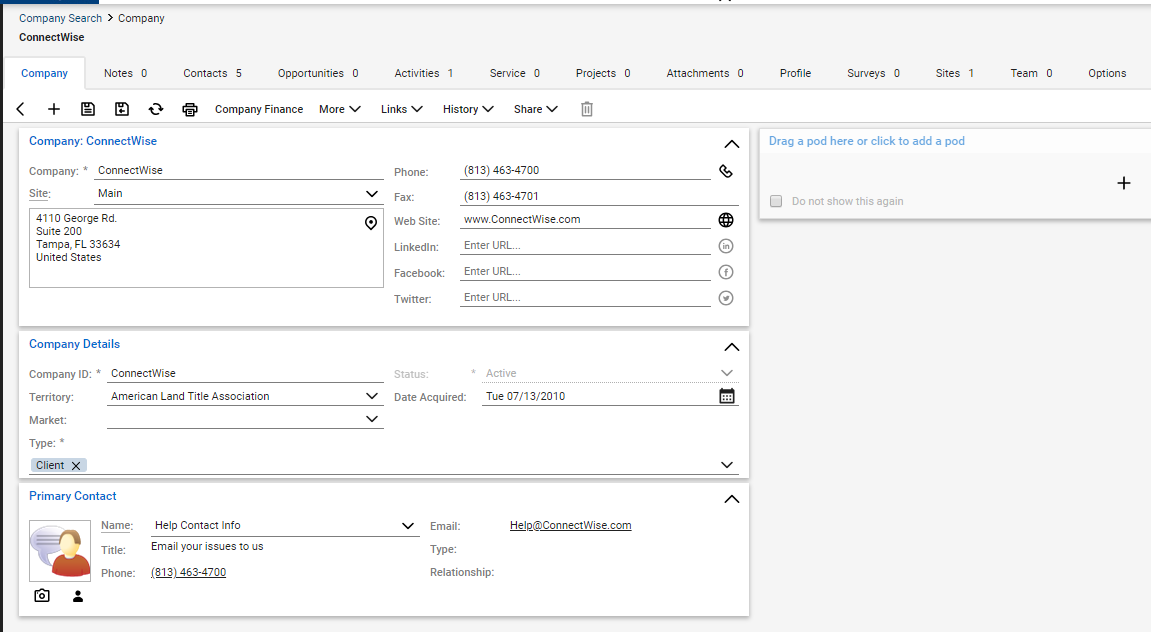
Select a company from the list. Then, access the projects tab located at the top.
-
Next, give the project a name
-
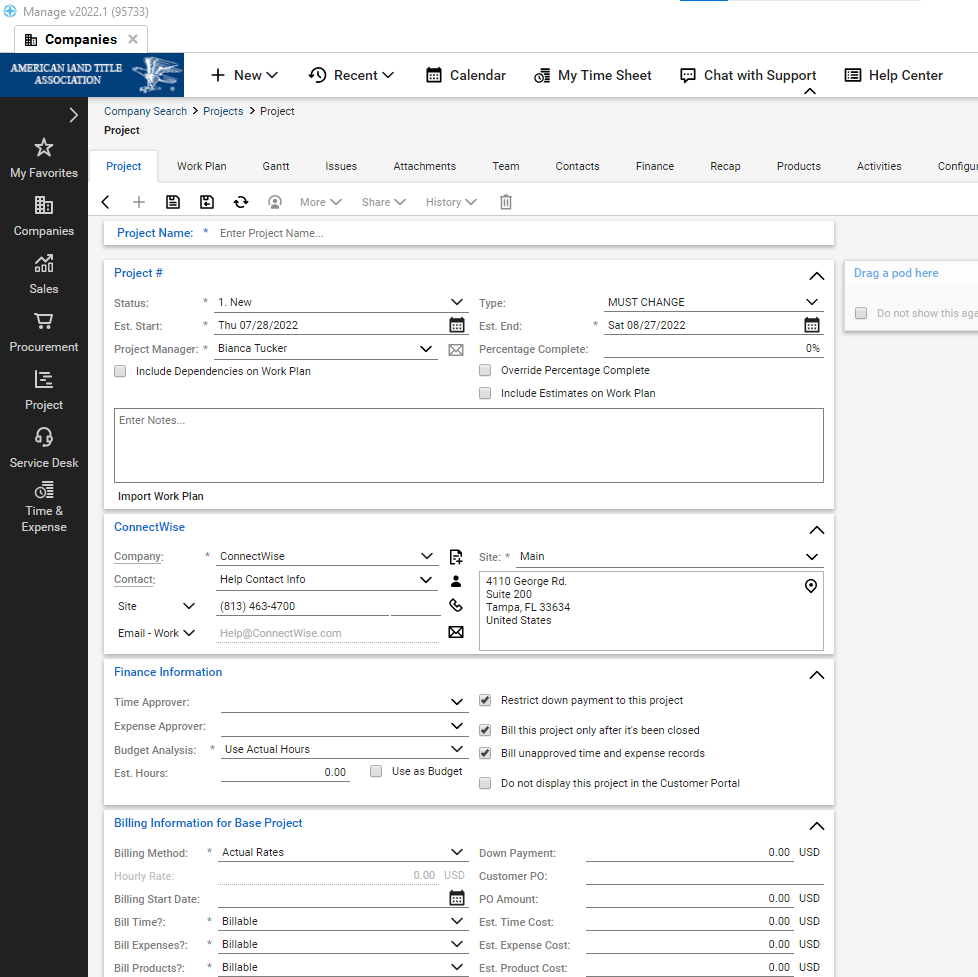
Fill in the required fields
-
Be sure to save all changes to your projects
-
Once saved new tabs are accessible at the top but be sure to review the project main tab first