Full Title: RON Status Updates Complete
Short Description: This template is used when responding to an agent AFTER processing their RON status requests.
Business Rules:
- The RMS will not process RON updates on more than 50 records at a time. When this occurs, the system will generate an email to the registry@alta.org inbox for processing. The ALTA staff member will then process the records in the agent's RMS portal 50 records at a time.
Templates:
Hello [Insert Name],
We received yesterday the request to update the RON status on the Registry listings for [Insert Company Name].
We have finished processing the request and the RON Icon will be added to the Registry listings on the next business day.
To review the RON status you may use the link below to access the ALTA Registry Management System and follow the steps outlined below.
Please let us know if we can assist further.
Accessing the Registry Management System to review the RON status for your Registry listings.
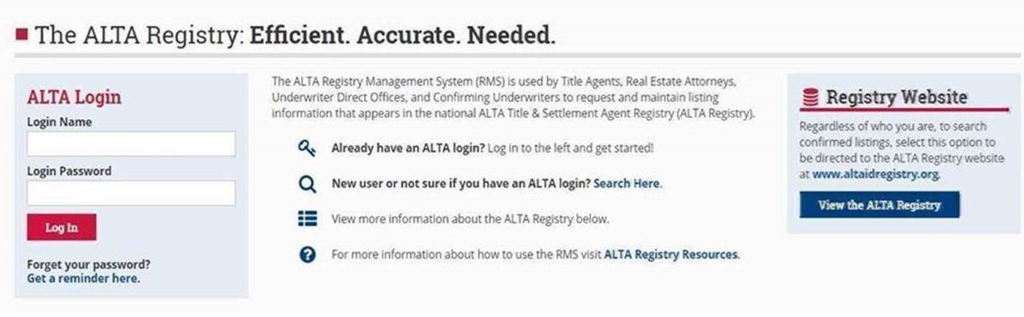
- Go to www.alta.org/registry/rms.cfm and enter your ALTA login and password (screen shot below)
- Select 'Manage My Offices and Underwriters'
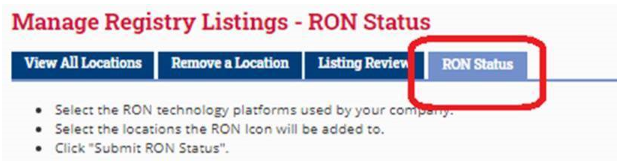
- Go to the RON status tab (screen shot below) and scroll to review the RON technology platforms recorded for each location
Thank you!
