OverviewOverview
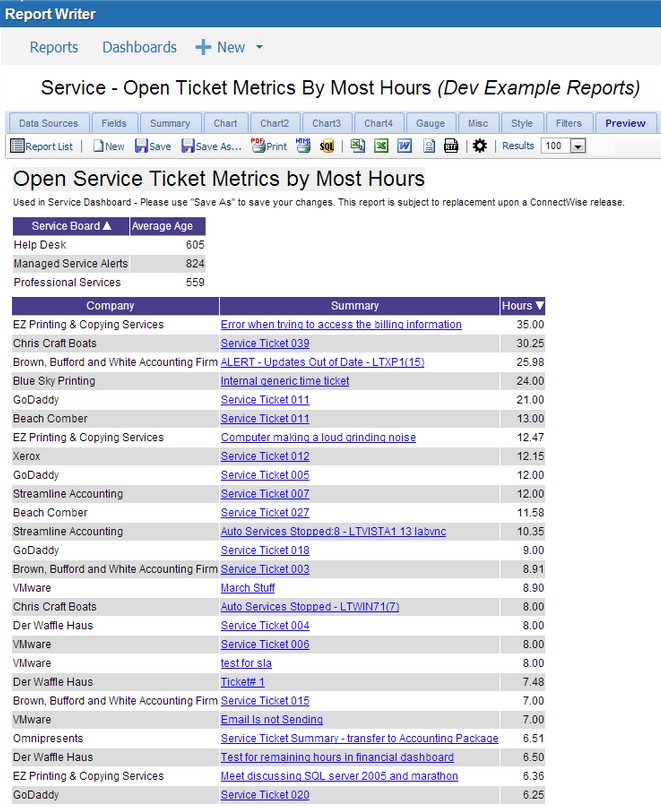
From the Preview tab, you can see how a report is generated and what it will appear visually in the report viewer before publishing it. This allows report designers to freely explore the various settings and tabs easily because of this. You may go back and change selections in the previous tabs and see how they affect the table by returning to the Preview tab.
Important: If you are a Cloud partner, you must save the report before clicking on the Preview button or tab. This will force the cloud environment to refresh the cache for your report.
To locate this screen, navigate to System > Report Writer.