
Report List
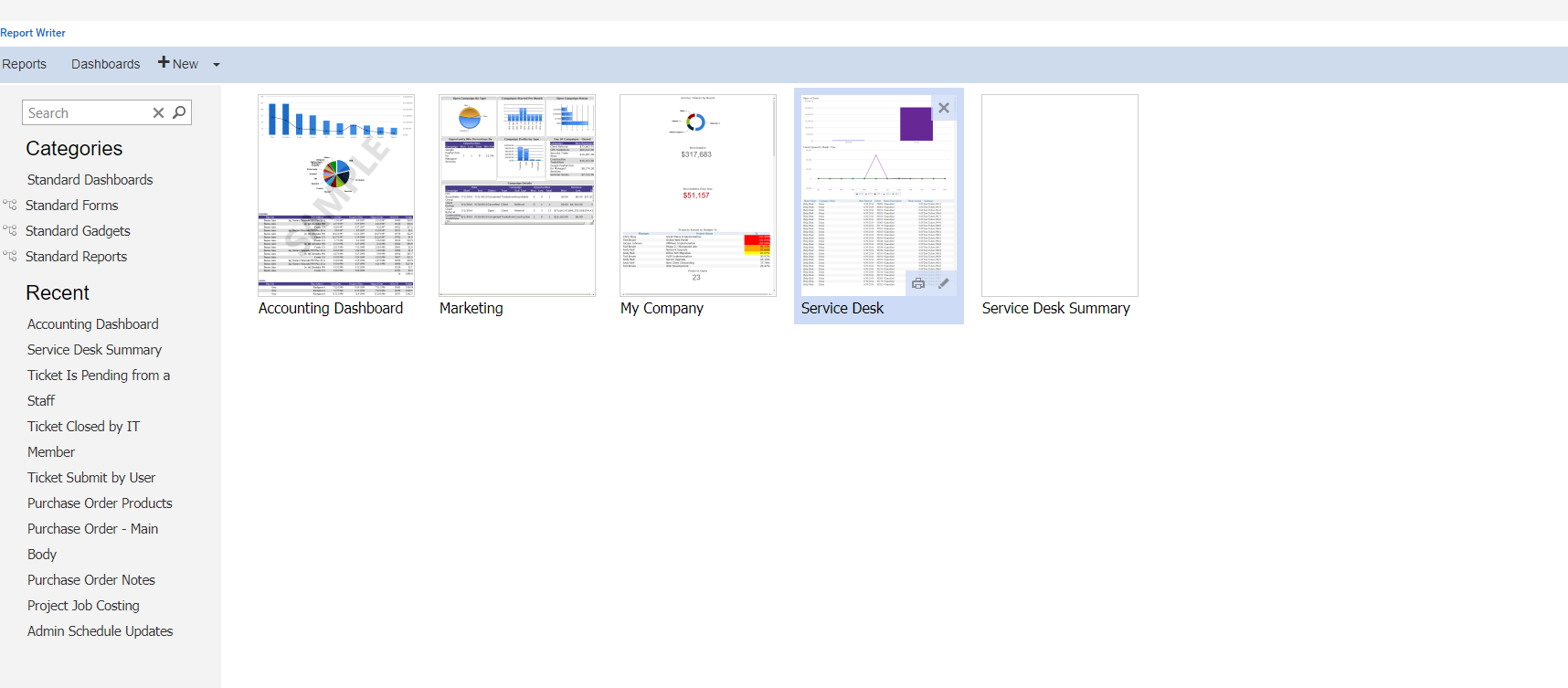
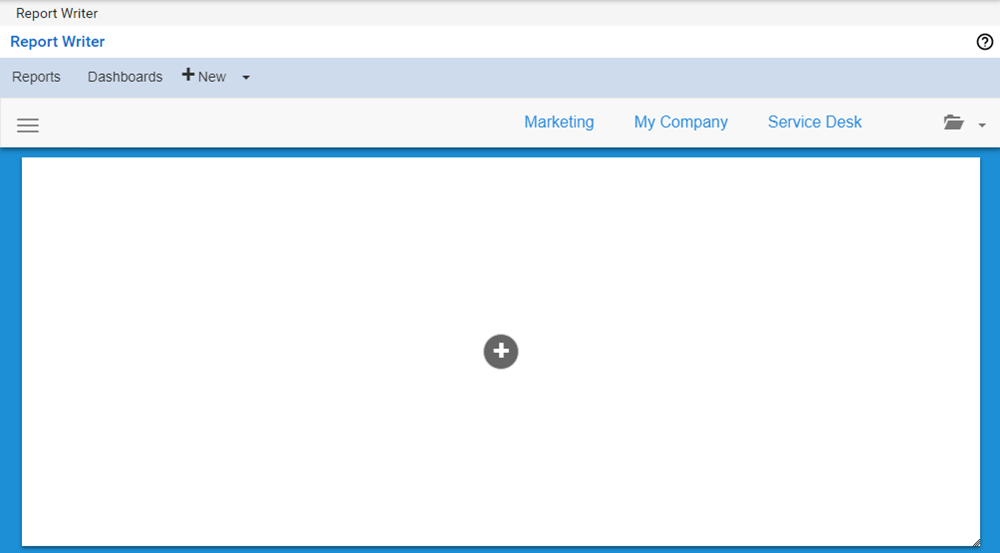
When you open Report Writer, you are brought to the Report List. From here, you can create new reports and dashboards, view and edit recently used reports and dashboards, and search for reports and dashboards.
Field Descriptions
Build a Report or Dashboard
To create a new report or dashboard:
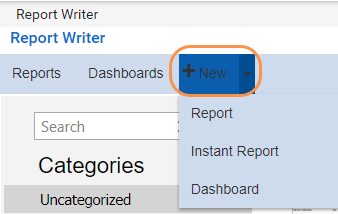
Click the New button on the Report Writer toolbar to create a new report. Alternatively, click the arrow next to the New button and select Report, Instant Report, or Dashboard from the drop-down.
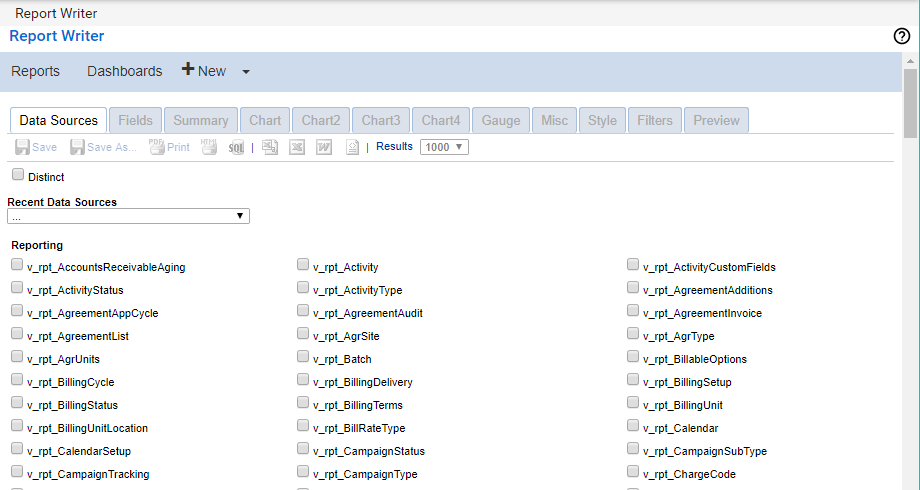
If you choose to build a report, the Data Sources tab of the Report Designer opens. You can choose a recently used data source from the Recent Data Sources drop-down or select a source from the categories. For detailed instructions on how to build a report using the Report Designer, please refer to the Report Designer documentation.
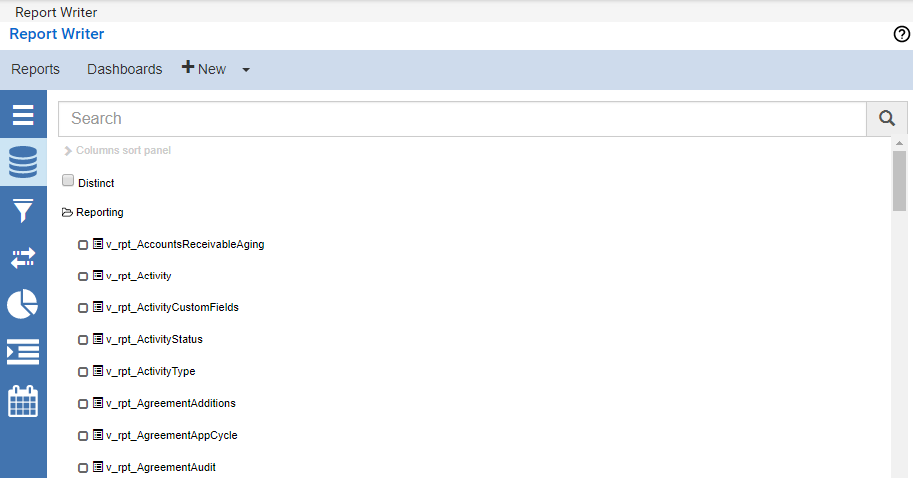
If you choose to build an instant report, the Instant Report screen opens. An instant report helps you locate specific tables or fields with a simple keyword search. For instructions on text string matching on tables or fields within connected databases, please refer to the Instant Reports documentation.
If you choose to build a dashboard, the Dashboard Designer opens. For detailed instructions on how to build a dashboard, please refer to the Dashboard Designer documentation.
Report List Items
A preview of your reports and dashboards appears in the main pane of the Report Writer. This preview allows you to modify, print, or delete your reports and dashboards.
Edit a Report or Dashboard
To edit a report or dashboard from the Report List:
-
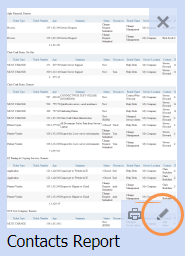
Hover over the report or dashboard you wish to edit.
-
Click the Edit icon.
-
Make changes to the report or dashboard.
-
Click Save or Save As when you have finished modifying the report.
Print a Report or Dashboard
To print a report or dashboard from the Report List:
-
Hover over the report or dashboard you wish to print.
-
Click the Print icon.
-
Select a printer and then click Print.
Delete a Report or Dashboard
To delete a report or dashboard from the Report List:
-
Hover over the report or dashboard you wish to delete.
-
Click the Remove icon.
-
Click OK.