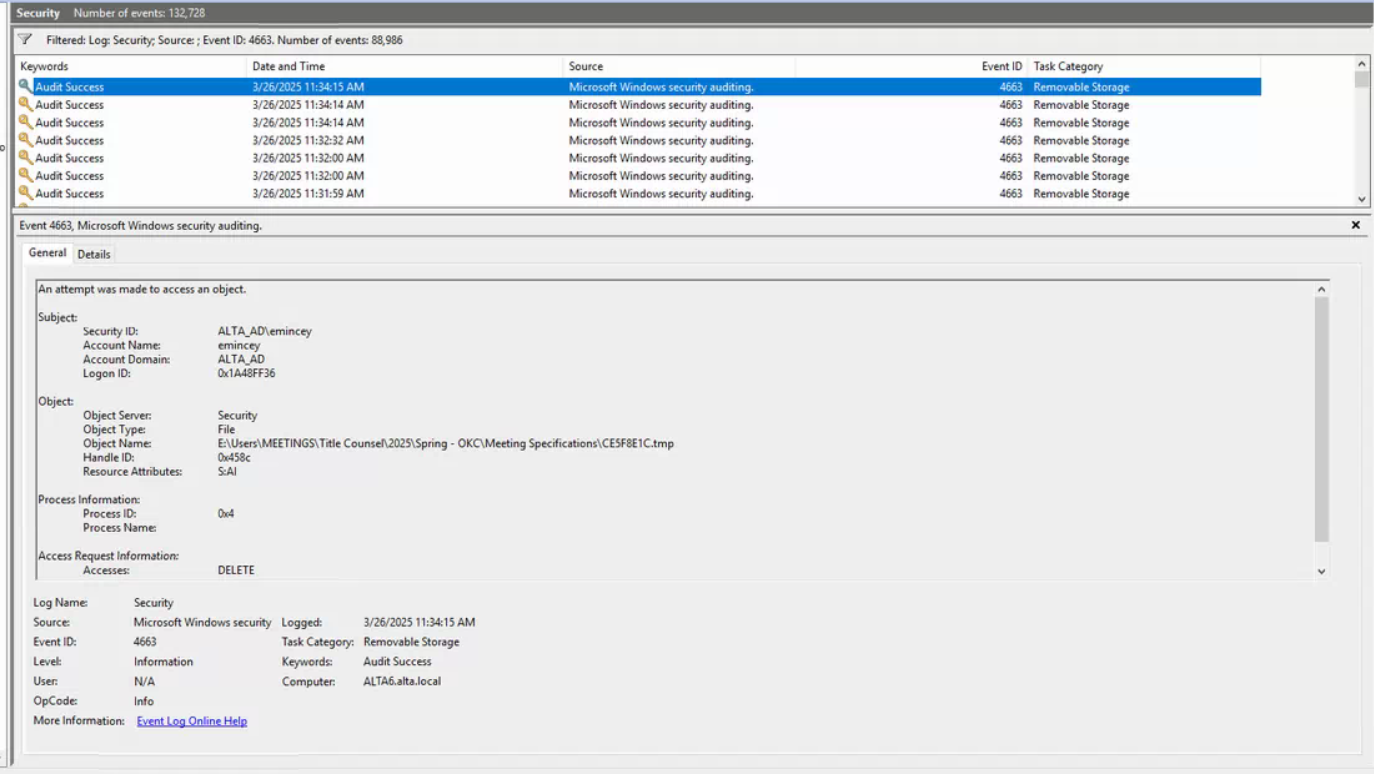
Event Viewer File Deletion
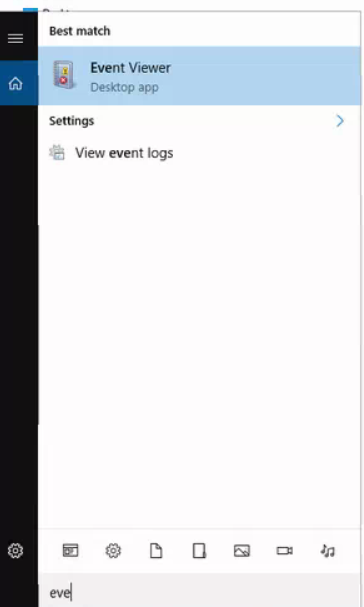
- Open Event Viewer
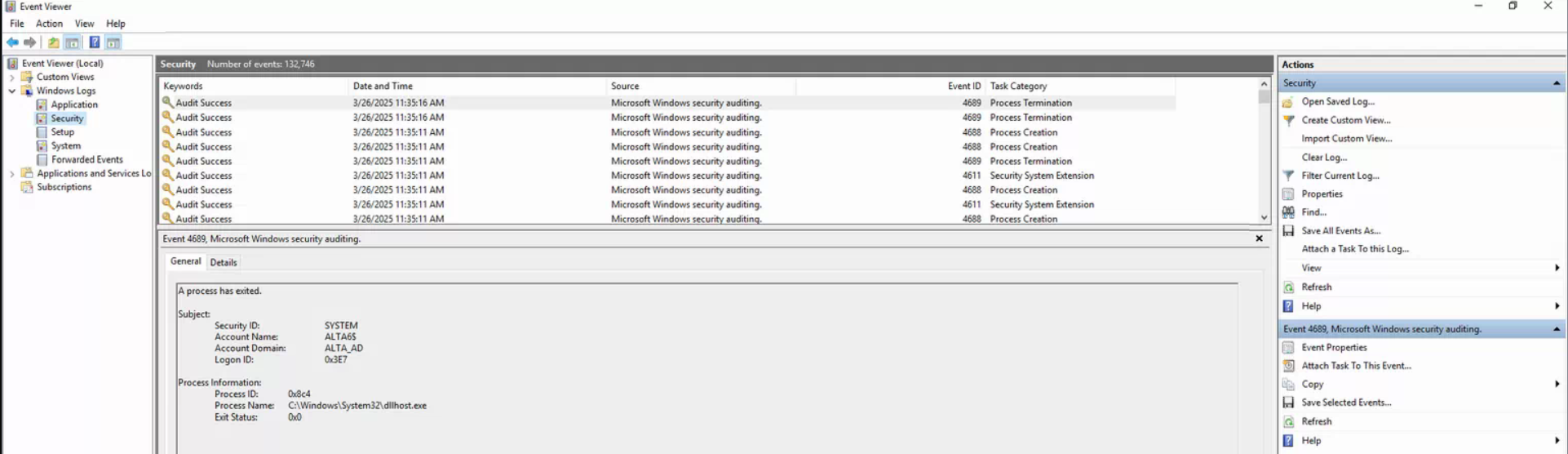
2. Expand Windows Logs and then click on Security.
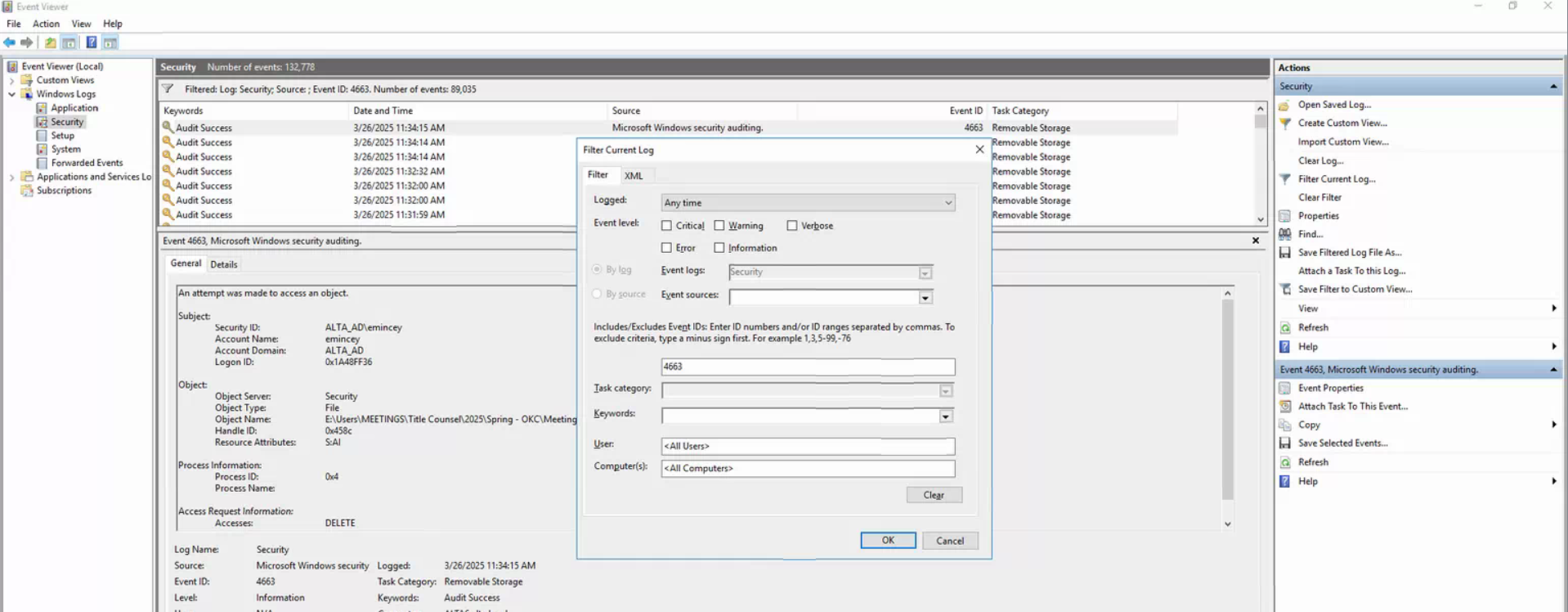
3. Click on Filter Current Log on the right. Select all Event Levels and filer by Event ID 4663.
4. You will then see the Delete actions the team has made.