Overview
This document describes how to access ALTA Accounting and IT ticketing system in ConnectWise.
To log in to the customer portal:
ALTA has created two separated ticketing systems for the Accounting and IT department to help assist the staff with Accounting and IT issues. Below are the steps to access and submit a ticket for each system.
Accounting Service Desk:
-
Please open Google Chrome and navigate to https://accountingsupport.myportallogin.com/ to access the Accounting customer portal.
-
Select “Sign in with Microsoft” and sign in with your ALTA Microsoft credentials.
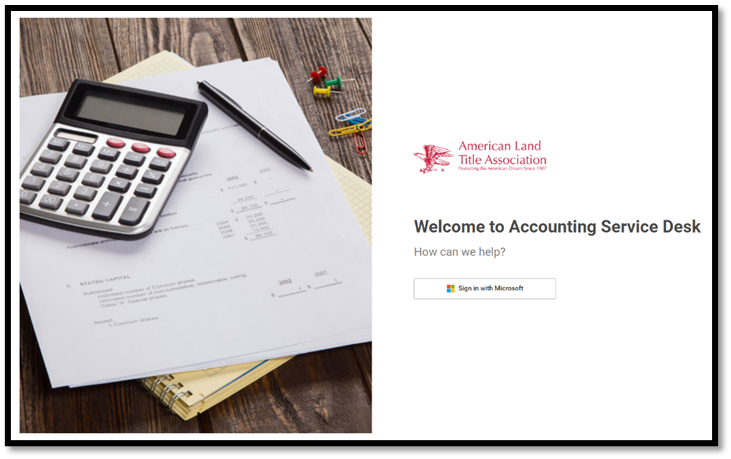
Overview of the Accounting Customer Portal:
The Home Page is the default landing page for the Customer Portal. From this screen, you can easily access the tickets menu. There are two options:
-
Submit a ticket
-
Look up a ticket
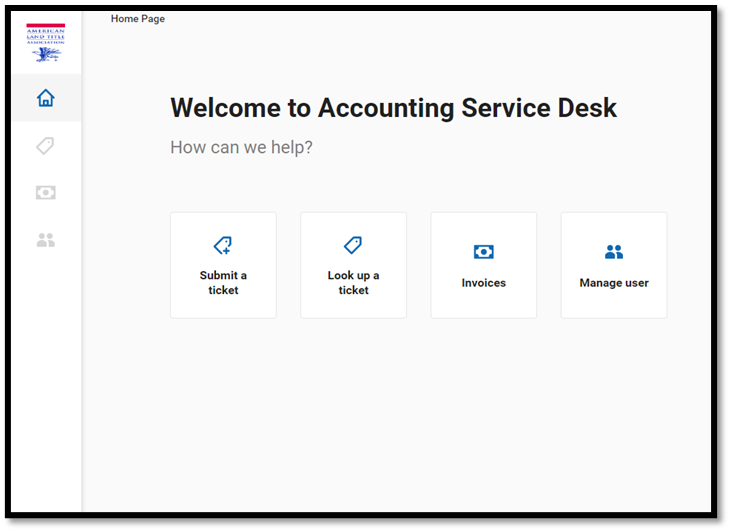
Side Navigation Bar:

How to submit a ticket?
There are two ways a ticket can be submitted to the Accounting Service Desk.
Option 1 (Accounting Customer Portal):
-
Click on the “Submit a ticket” or “Create a Ticket”
-
Choose the the Category and Service Issue by clicking on the down arrow**.**
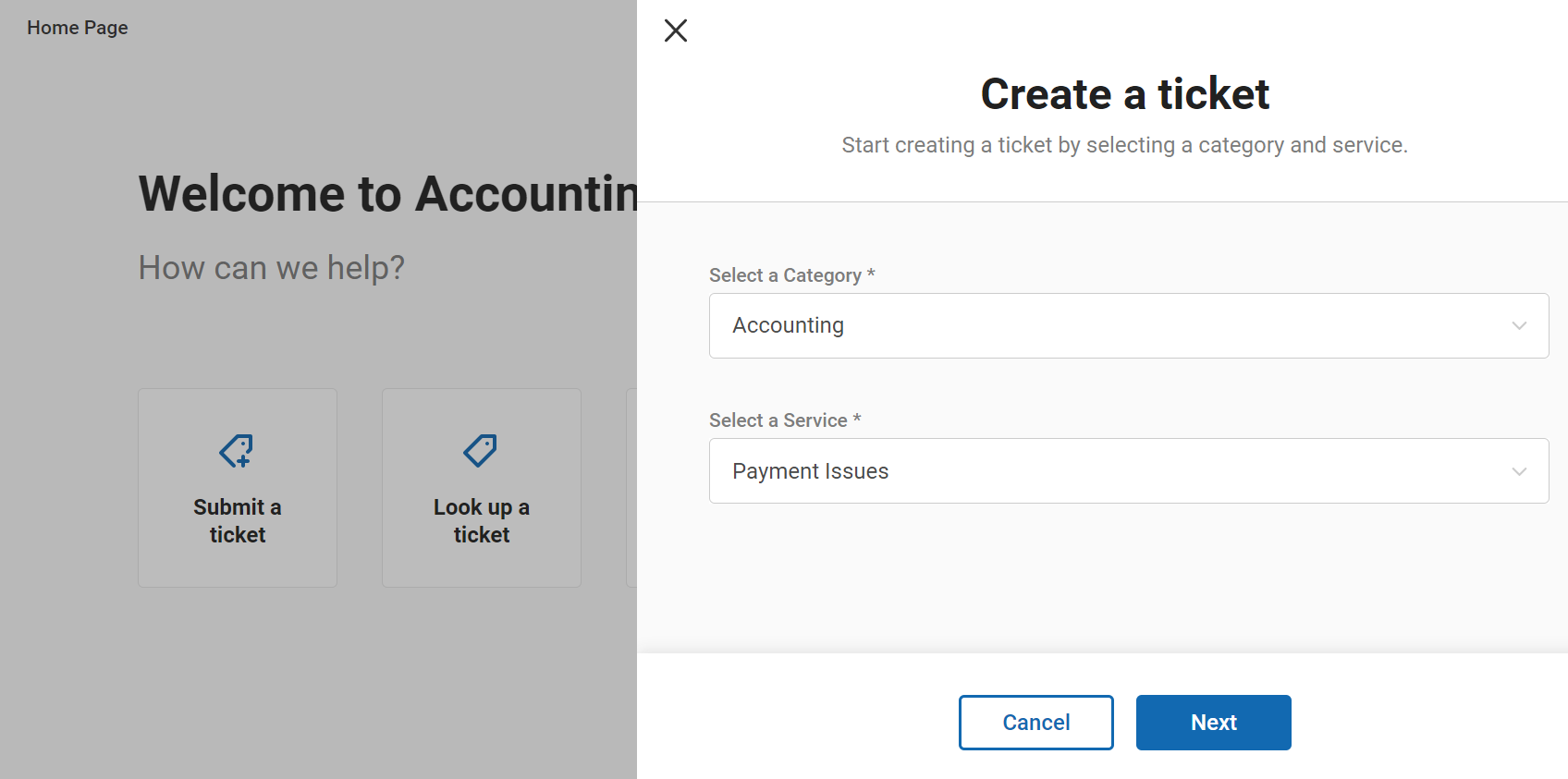
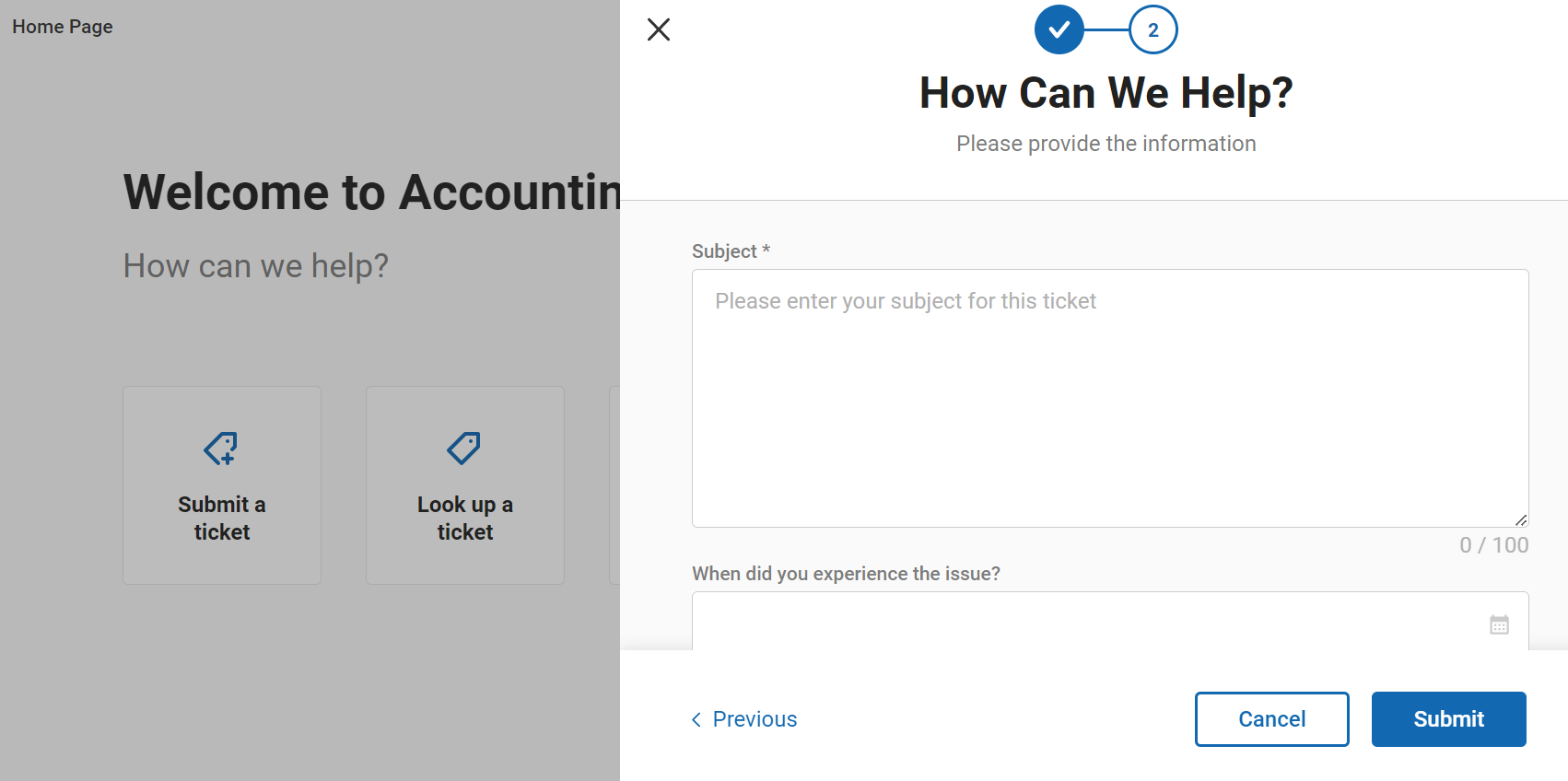
Fill out the ticket form and click submit when you’ve completed the form.
Option 2:
You can submit your ticket via email at accountingsupport@alta.org
How to check the status of your ticket?
-
Click on the “Home” icon on the left navigation bar
-
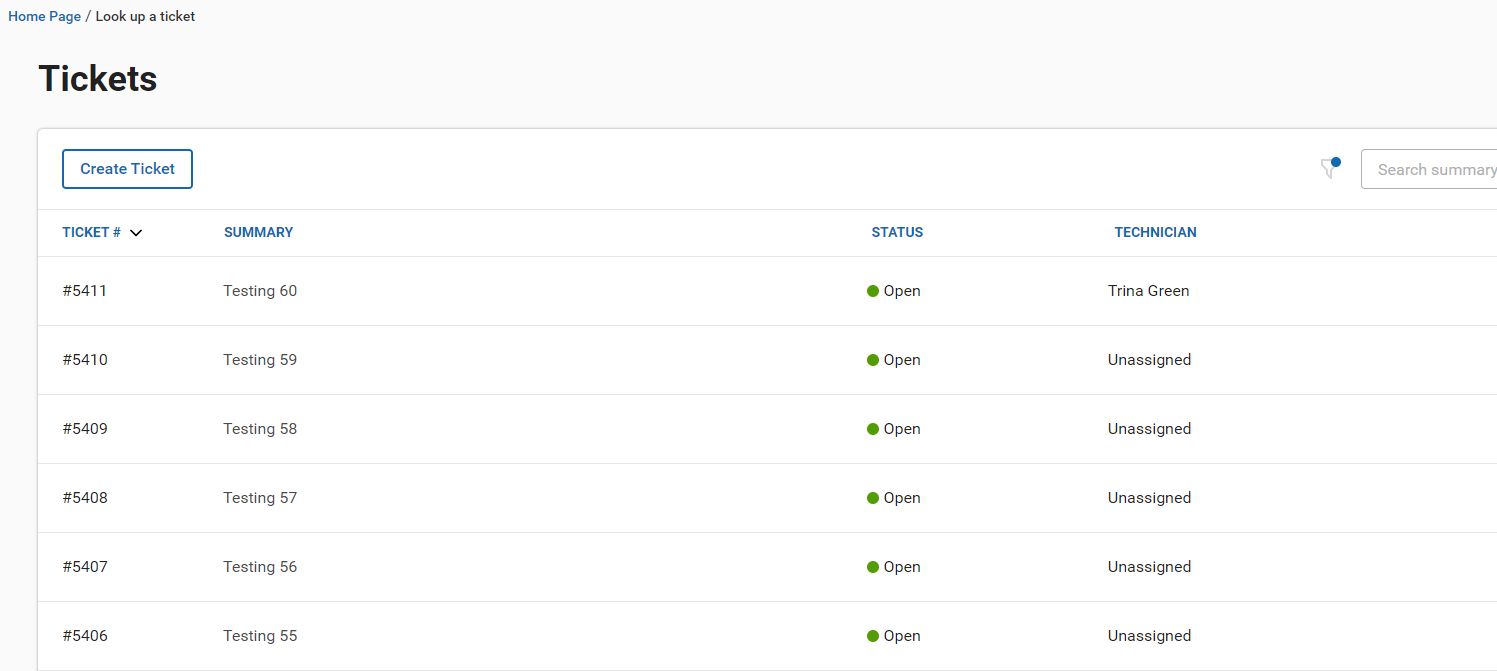
Click on “Look up a ticket”
- All tickets that you have submitted will appear here in the Look up a ticket, and you can check for the status of your ticket and response to the ticket by clicking on the ticket you would want to see.