ConnectWise Manage: Rescheduling A Ticket
There are times when tickets must be rescheduled due to unforeseen circumstances. To reschedule a tickets due date and time…
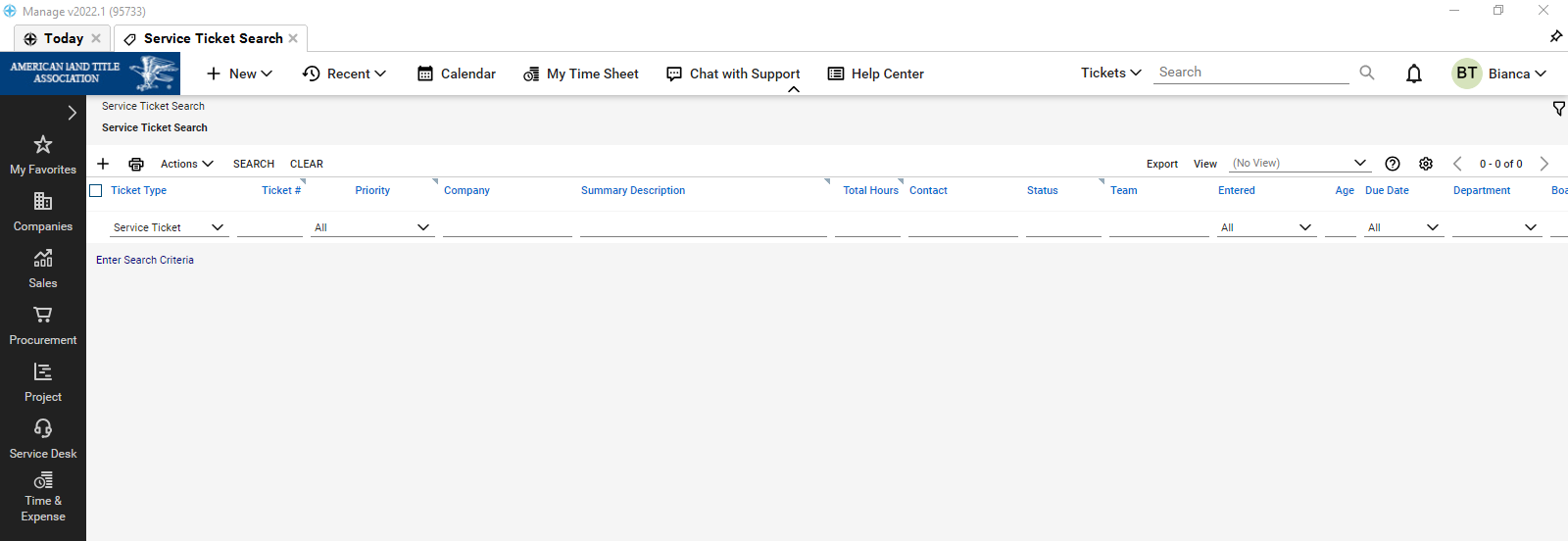
Find and open the service ticket you would like to reschedule.
-
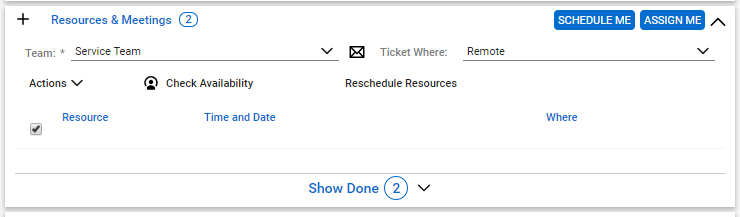
Scroll and find pod called “Resource & Meetings”
-
Click the checkbox to select the entire list
-
Choose Reschedule Resources
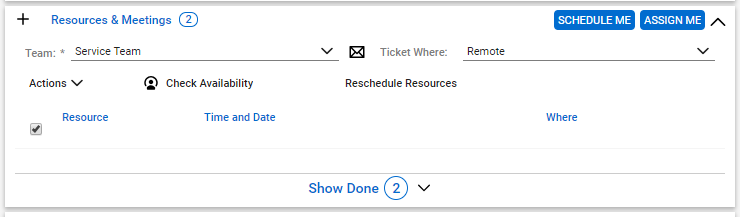
Now, add the new time and date for the meeting or choose to check availability.