
Time entries can be created at the same time internal notes are entered and updates are sent to the client. To create a new time entry…
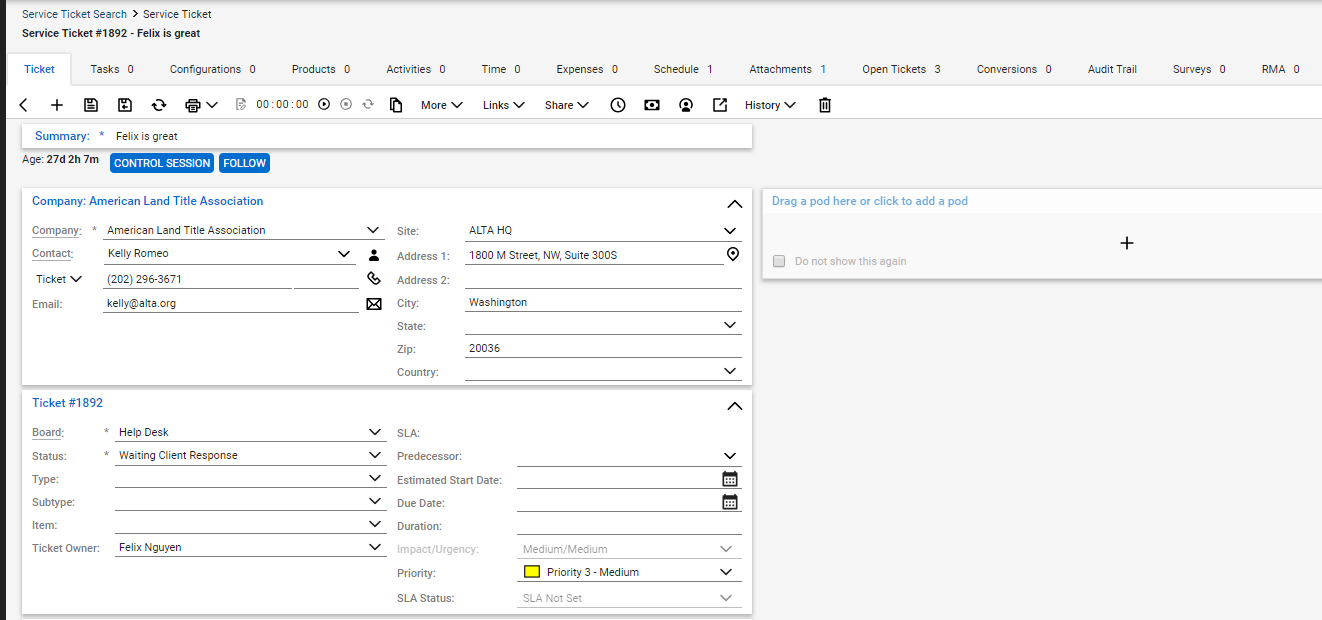
Select the new note icon within the ticket
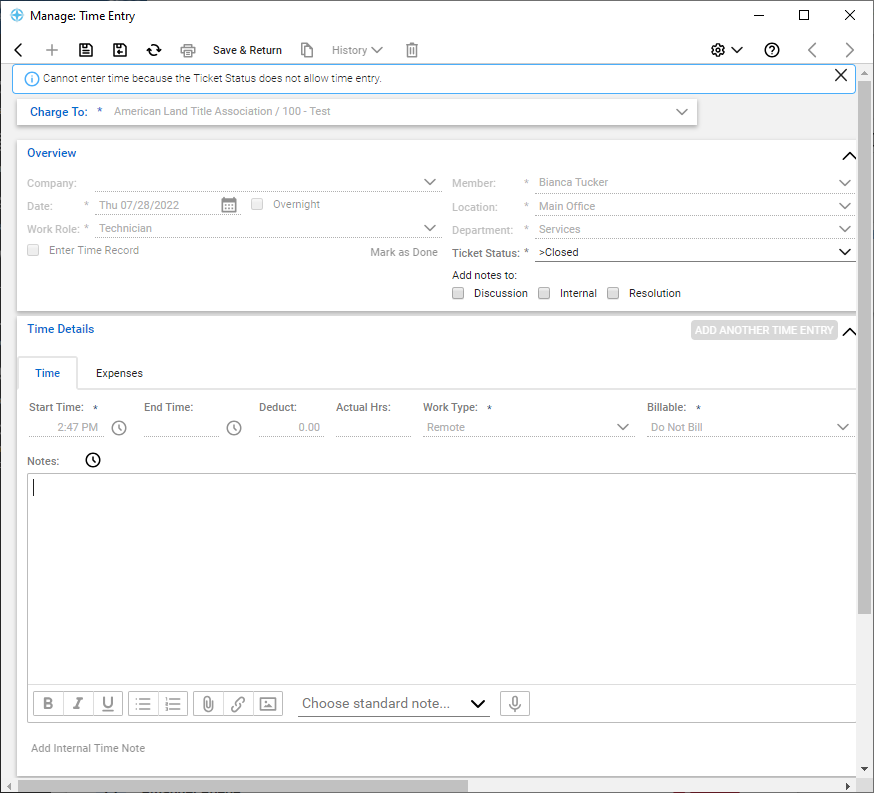
Within the time entry flyout, fill out the start and end times for your timesheet.
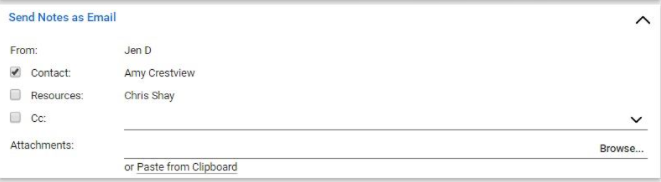
Review the send notes in the email section to confirm that the appropriate contacts and resources receive this email message
Now, enter all the details that need to be communicated.