Response to a ticket can be done by the following steps:
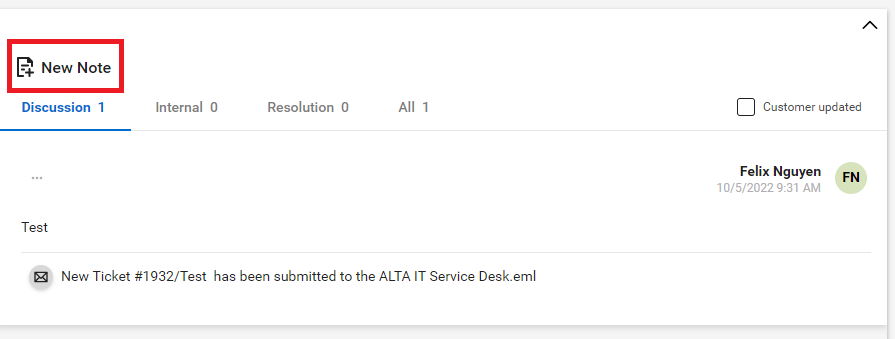
Select the “New Note” icon within the ticket
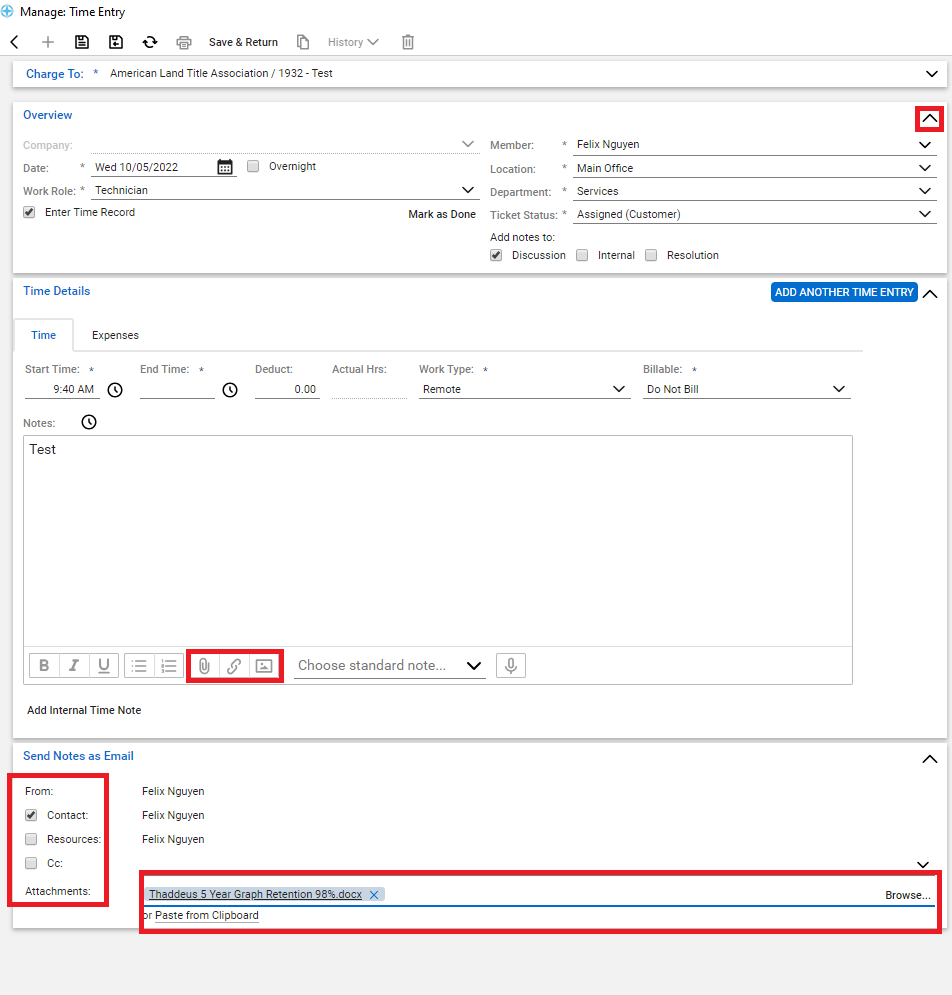
The overview will have all information prepopulated. This information can be left as it. This section can be hidden by clicking on the arrow pointing up.
The Time Details section is where an agent can use to respond to the ticket.
-
The start time, end time, deduct, actual hours, work type, and billable can be ignored. ALTA does not use these options.
-
Notes is where you can use to respond to user ticket.
-
The attachment section is where you can use to attach a file, link, and image to your respond.
-
The save icon is used to save your message. Additionally, you can also save your message by choose the button “save and return”