
ConnectWise Manage: How to Add A New Contact
-
To add a new member
-
Click the

Button located in the top navigation bar.
-
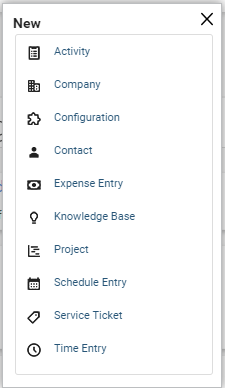
In the New drop-down menu select Contact
Fill in the required field
Be sure to click save when finished.
*NOTE* It is essential to ensure that new members are configured properly, as these records control how members are scheduled, what records they have access to, and more.