
ConnectWise Manage: How to Build Project Work Plans
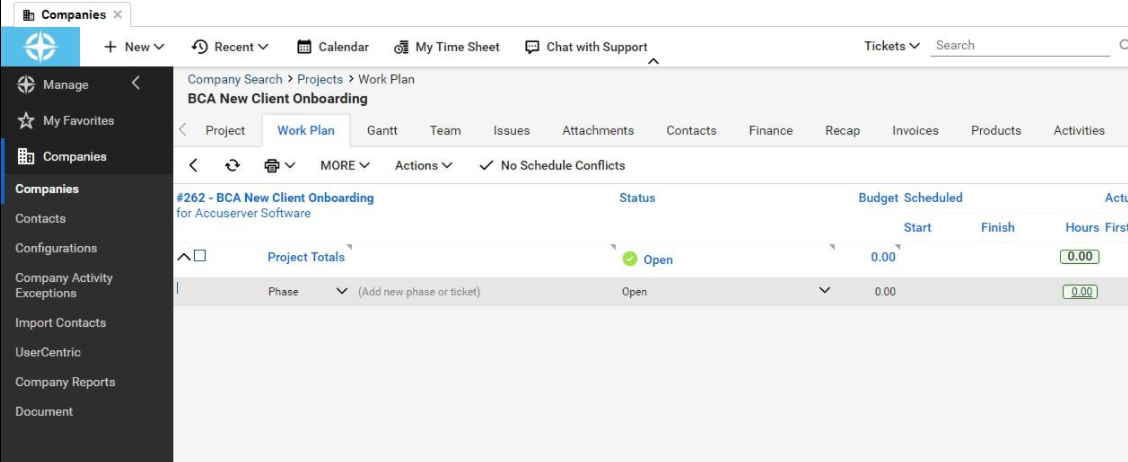
All employees must be imported as contacts. The automated agent must be installed and grant customer portal access to all accounts. This effort can be organized based on the team that is working to accomplish each task on the work plan tab.
-
Example: An Admin to-do list and Service to-do list.
-
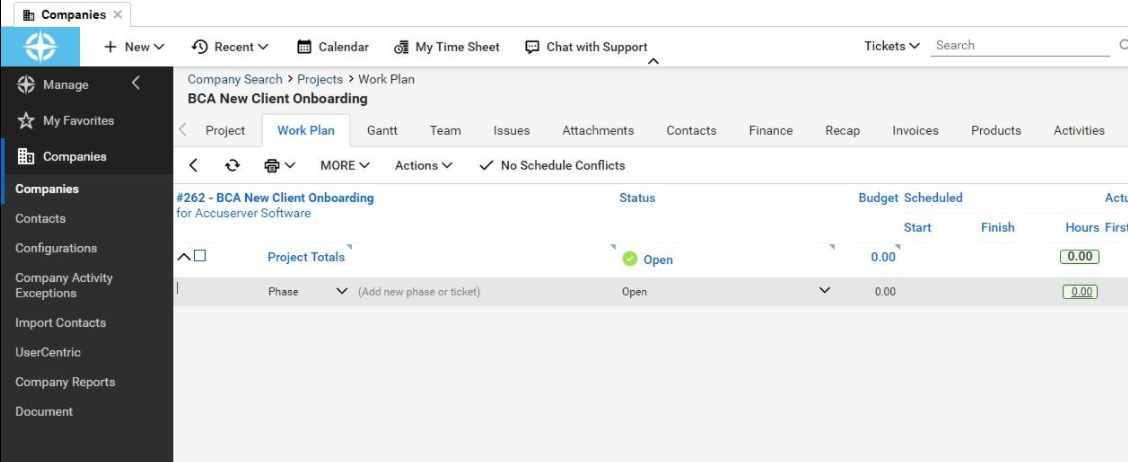
Select add new Phase or Ticket
-
-
For administrative tasks enter “Administrative Task”
-

Then, press enters to add it to the work plan and create a place for a new ticket below.
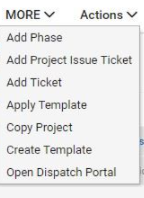
You can add new tickets and more throughout the work plan via the “MORE” dropdown.
Once you have completed the different parts of the administrative work plan, then you can change the next dropdown to a phase to create the service part of the work plan.
Once the parts of the service list are entered in, the work plan has officially been created to onboard the new client.
When necessary, the fastest way to reorder the tasks is by dragging and dropping them.