Full Title: How to Search/Find An re:Members (formerly Impexium) Record for an Individual (Person)
Short Description:
Business Rules:
Tips | Tricks | Hints:
A "Record is different from a "User Account" - it is possible for an Individual to have a Record in the re:Members (formerly Impexium) Database that does not have a User Account activated for access to the ALTA Website and re:Members (formerly Impexium) Portal Pages.
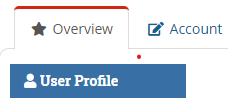
Look for the blue "User Profile" button under the Overview Tab to be sure the Individual can log in to the ALTA Website and re:Members (formerly Impexium) Portal pages:
Text | Images | Step By Step:
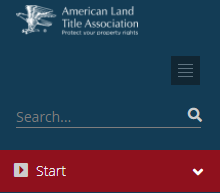
You can search using the “Search” feature at the top of the navigation and enter company name, last name or ALTA ID (a.k.a., “Record Number”):
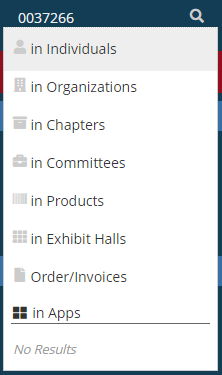
When you type a search term, you may choose a group of records to search (like "In Individuals") or press the Enter Key. You do not have to choose a subset, but it can help the search process more quickly.
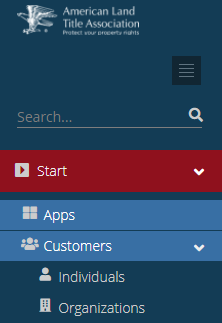
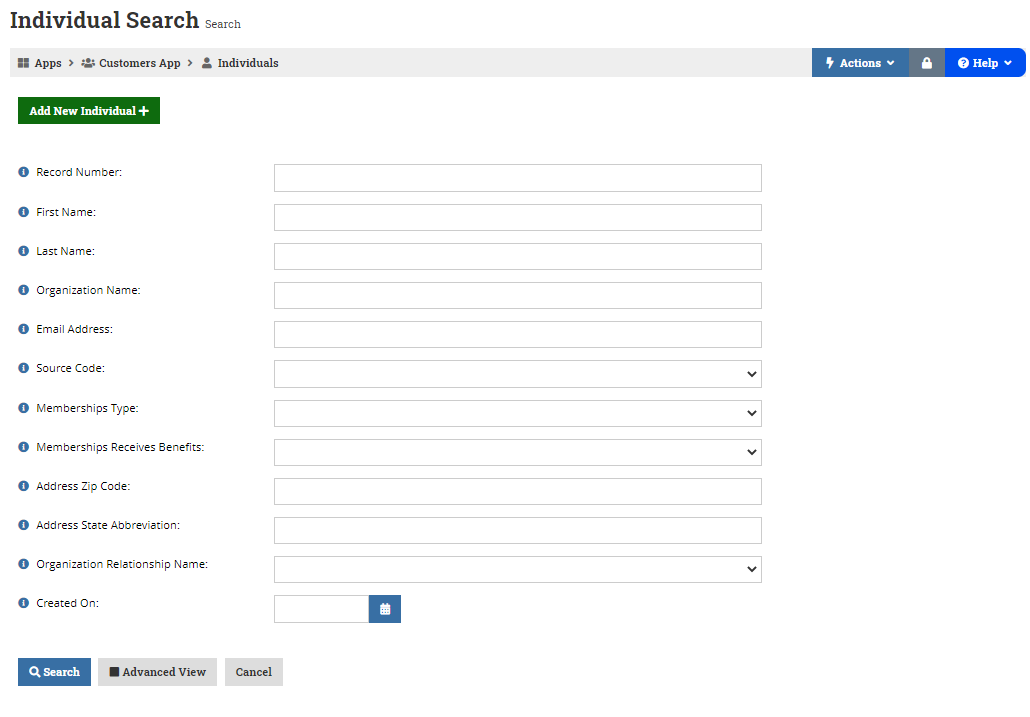
You can also search in the various Apps. For example, you can Search for people and companies by opening the “Customers” module and choosing either Individuals or Organizations:
The search screen is fairly straightforward. Again, Record Number is the same as the 7-digit ALTA ID. You can tab through the fields. When you have entered as much information as you think is needed for a successful Search, you can press Enter or scroll down and click Search.
TIP: If you like to use wildcards in your Search, try the "Advanced View" button!
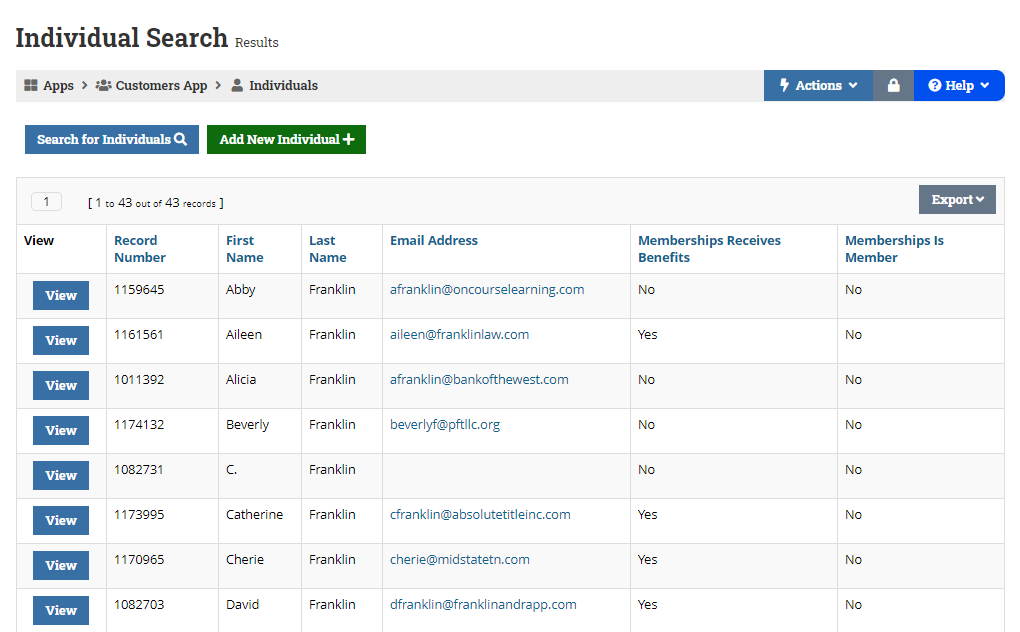
A list of matching records will be displayed and you can click “View” on the one you’d like to work with.
TIP: If you hold the Ctrl Key and click on “View,” the record will open in a new browser tab.
Other Commentary:
Keywords: Search Records Users Individuals People
Related SOPs:
Find Organization Records: Organization Records - Search & Find
