-
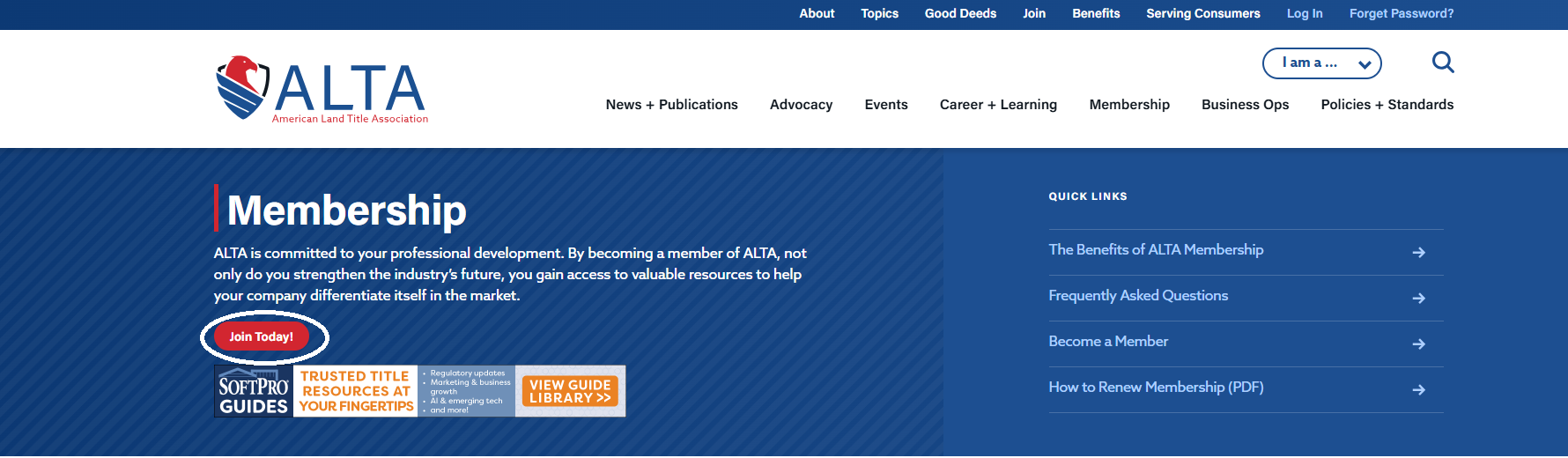
Visit www.alta.org and click the red JOIN ALTA button:

-
On www.alta.org/membership/ - click on the Red Join ALTA button:
-
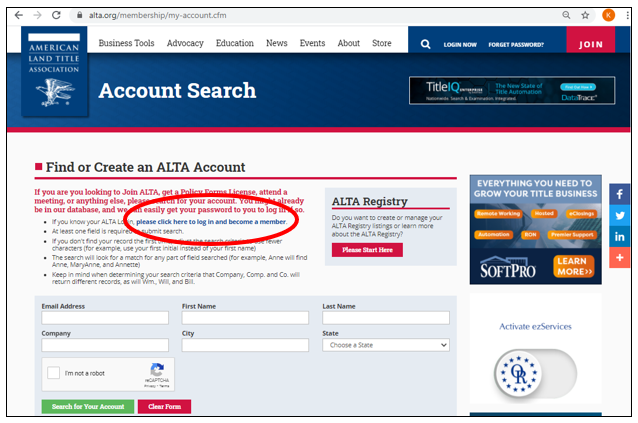
Follow the instructions on the page.
-
If you already have an ALTA Account, click on the first bullet point: "please click here to log in and become a member."
-
If you don't know your ALTA login and password, please follow the instructions to search for your ALTA Account and generate a password reminder.
-
If you don't have an ALTA Account, follow the instructions to create a new ALTA Account.
-
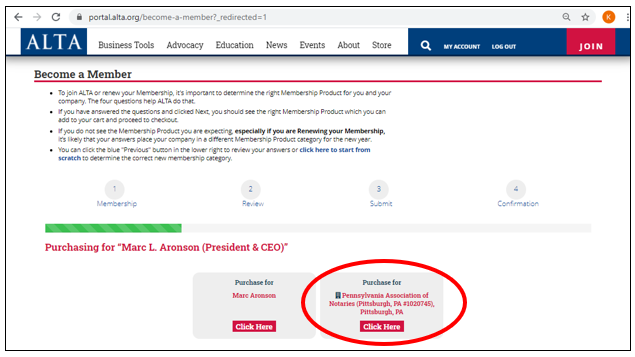
When you login and access your ALTA Account and follow the steps, above, you will see this page.
-
Please click on the tile to "Purchase for" Your Organization.
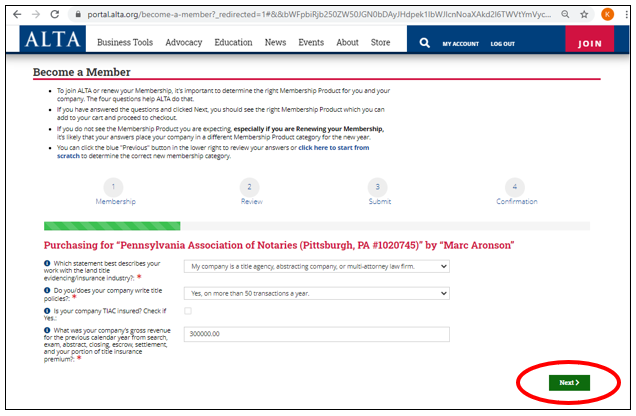
- Answer the questions and click on the Green "Next" button to proceed to next steps and to checkout.