Elevate – Learning Management System (company = CommPartners)
-
Grant quiz attempts
-
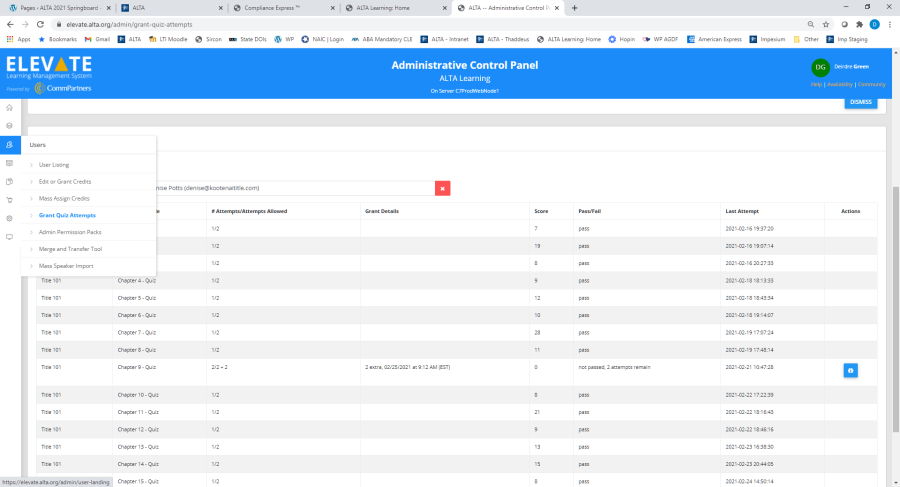
Users > Grant Quiz Attempts
-
Search for user by name; find failed quiz grant additional attempts (I usually add 2)
-
-
-
Extend deadline
-
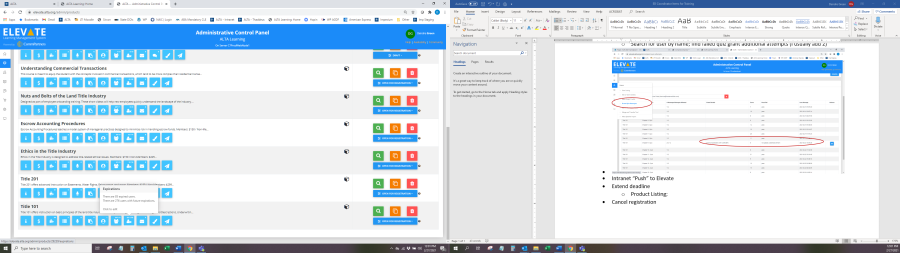
Product Listing; Must be done for a particular course
-
Choose the Expirations button
-
-
Change filter from Expired to Not Yet Expired (depending on circumstance to locate the individual)
-
Locate the individual
-
Choose a new date and Click Extend
-

-
-
Cancel registration
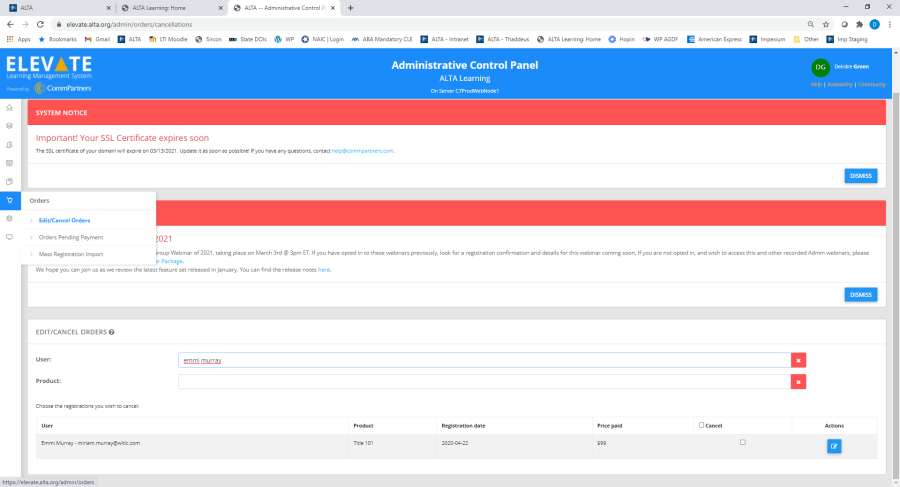
- Orders > Edit/Cancel Orders
-
-
Search by user
-
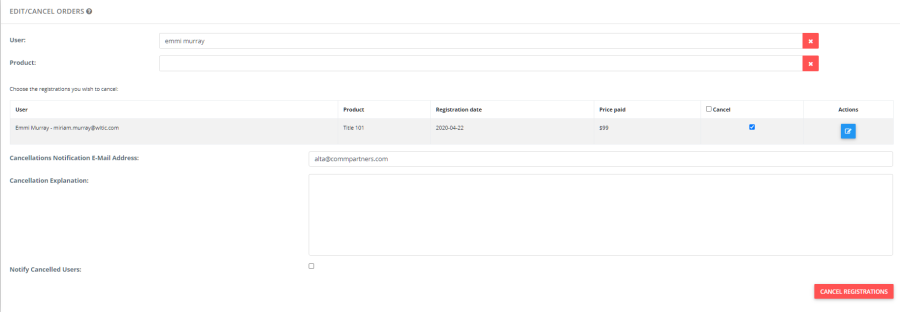
Check cancel for the product to be cancelled
-
-
I usually do not notify a user
-
Click Cancel
-
Depending on the circumstances, steps usually need to be taken in re:Members (formerly Impexium) as well.
-
-
-
Log in to Intranet
-
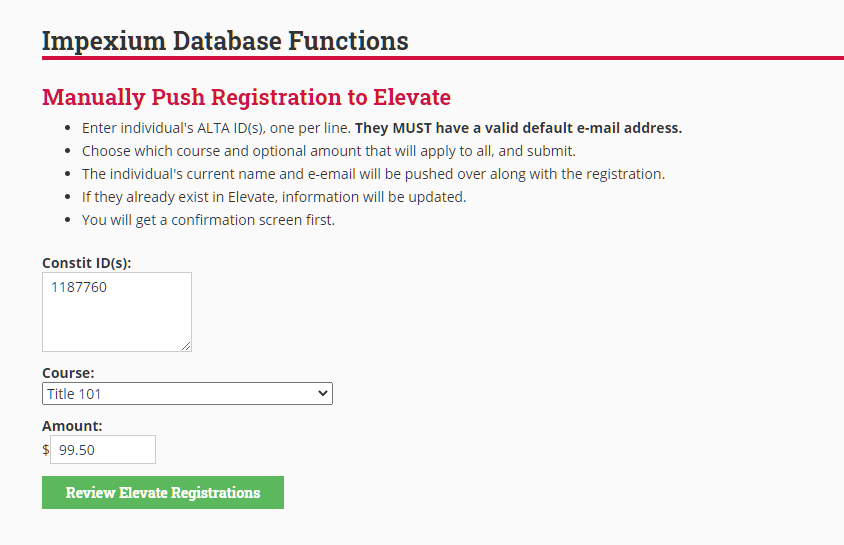
Data/Impexium > Push Registration to Elevate
-
Enter Constit ID; choose course; enter price
-
-
Click Review Elevate Registrations
-
Confirm Details (name and course)
-
Click Push Registration(s) to Elevate
-
-
Location for education invoices: G:\LTI - Land Title Institute TRAINING\Financials Invoices Dashboards Reporting\Sponsor Invoicing
